Outsourcing hubCompanyOperations and purchasing
Create it with a sentence, then deploy it internally.
What one person builds, the whole team can use together.
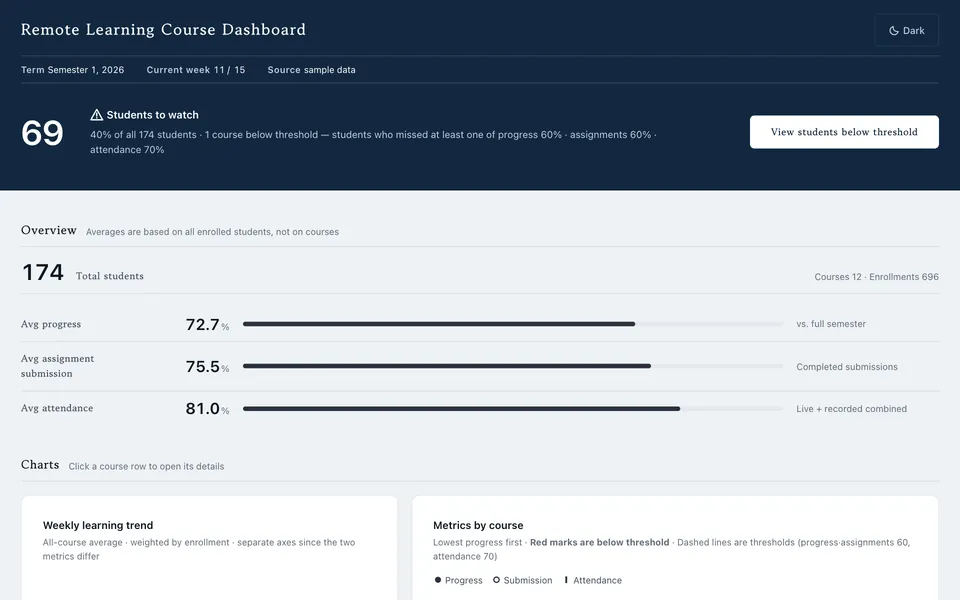

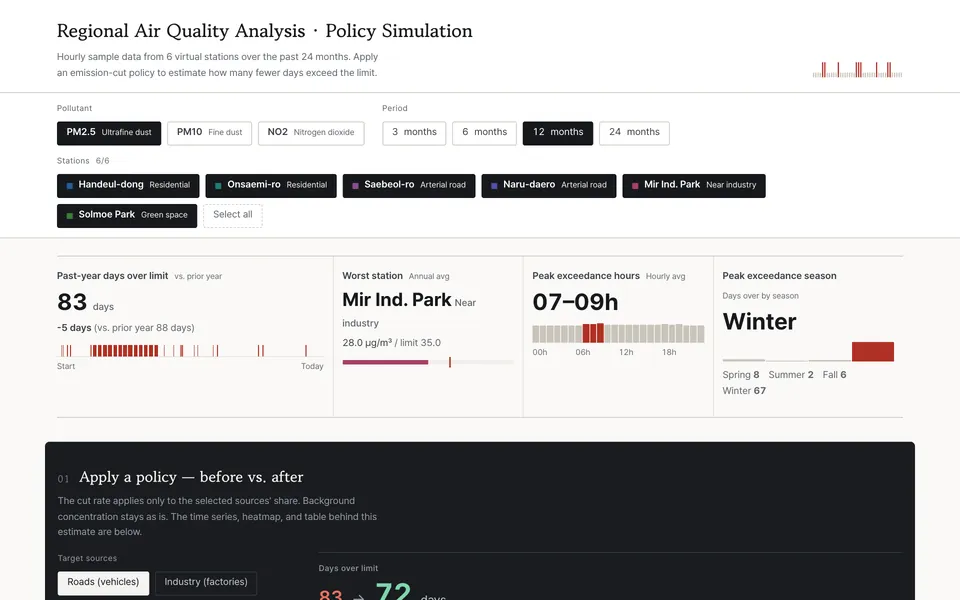
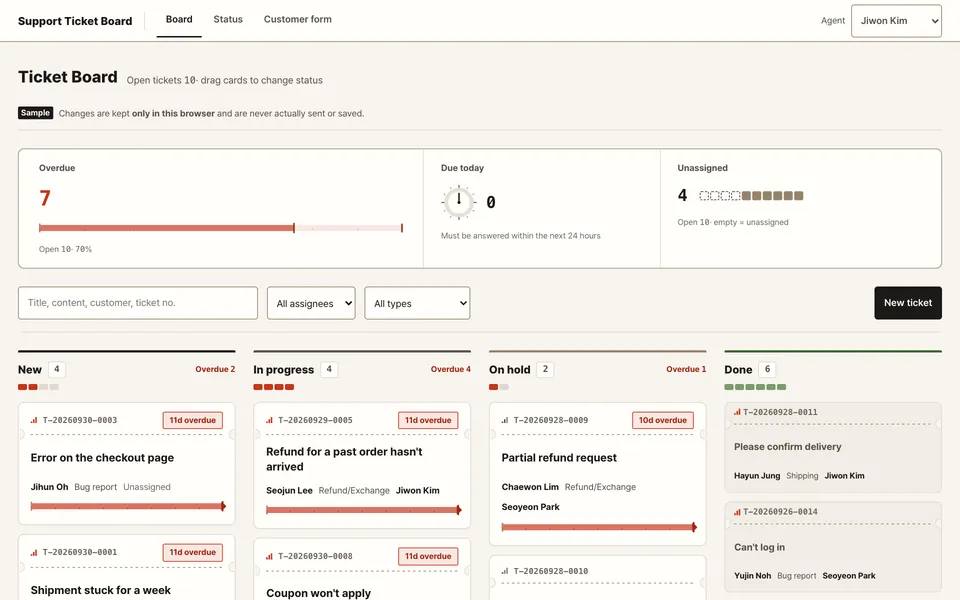
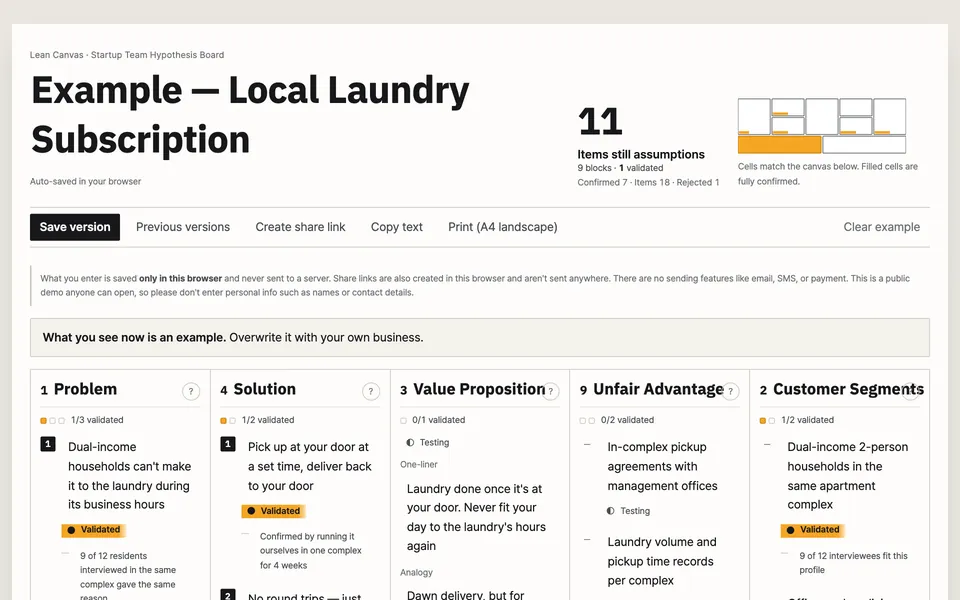
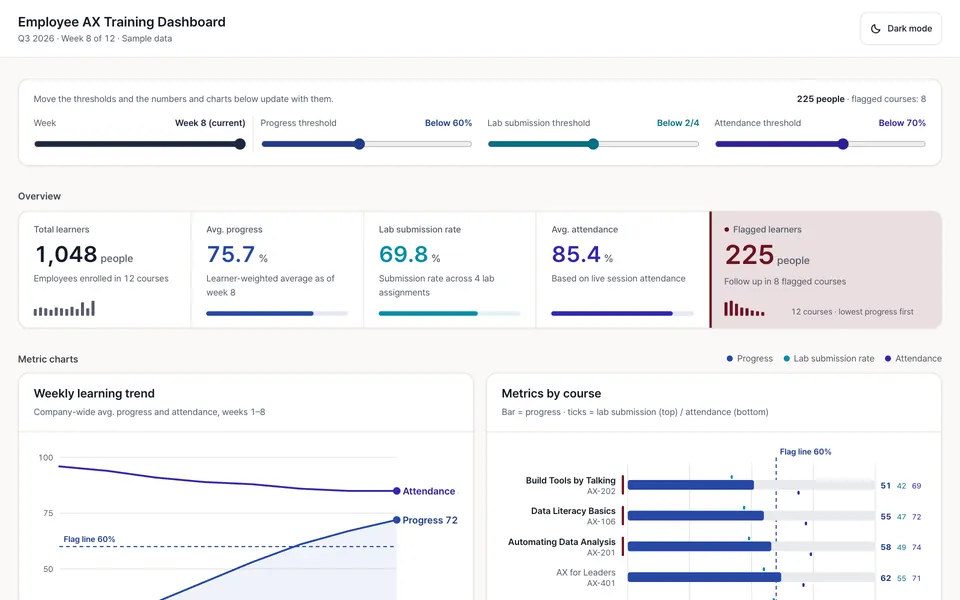
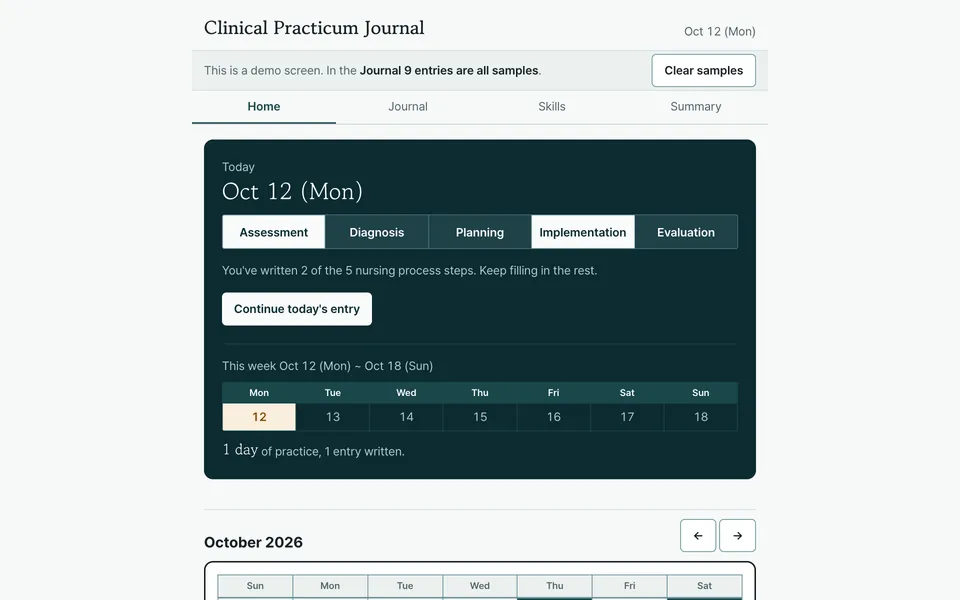
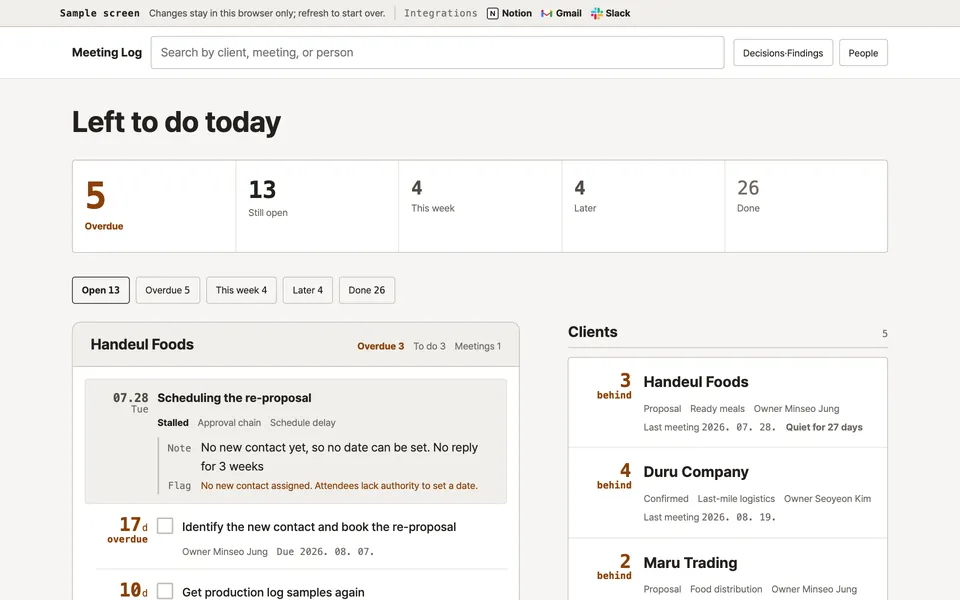
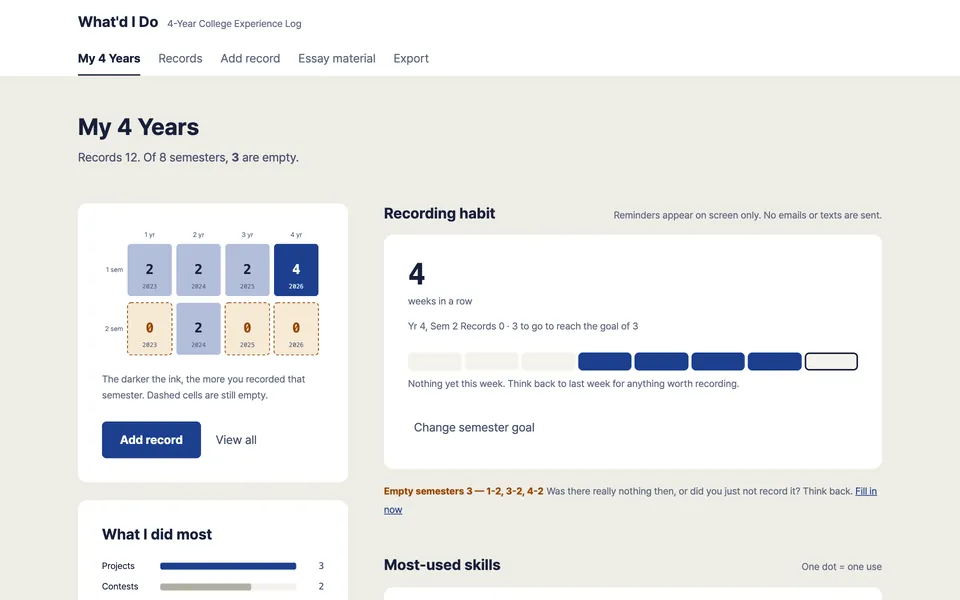
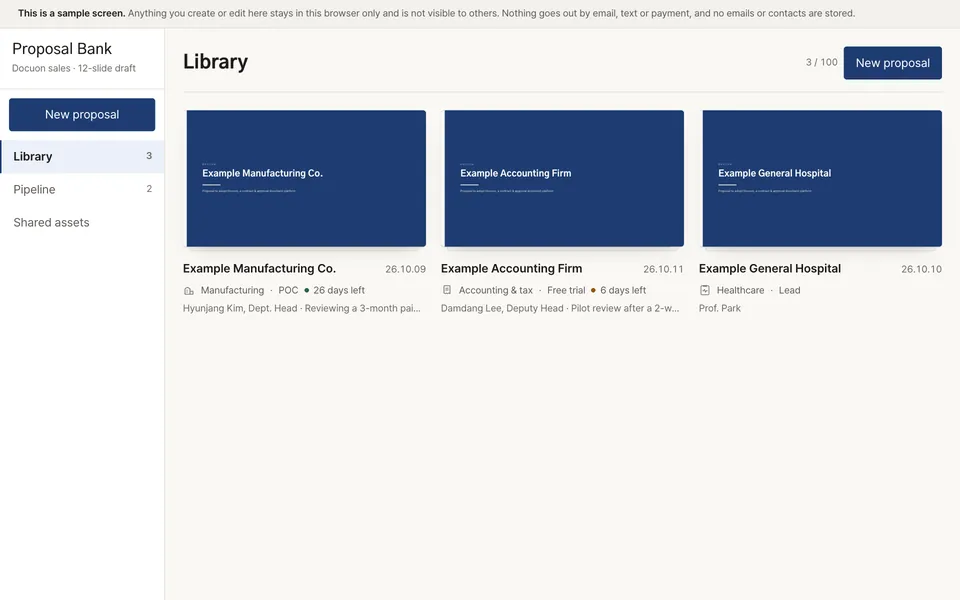
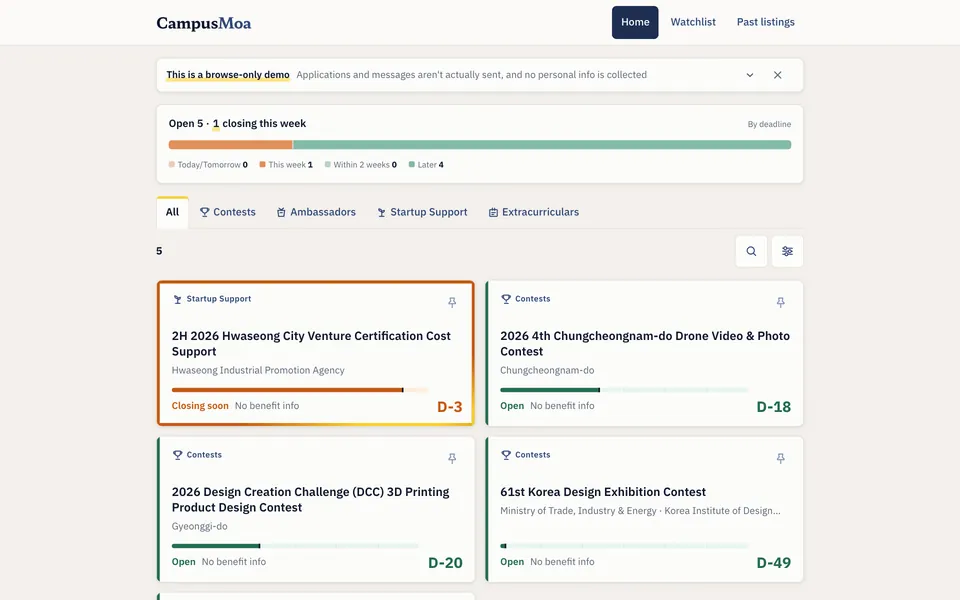
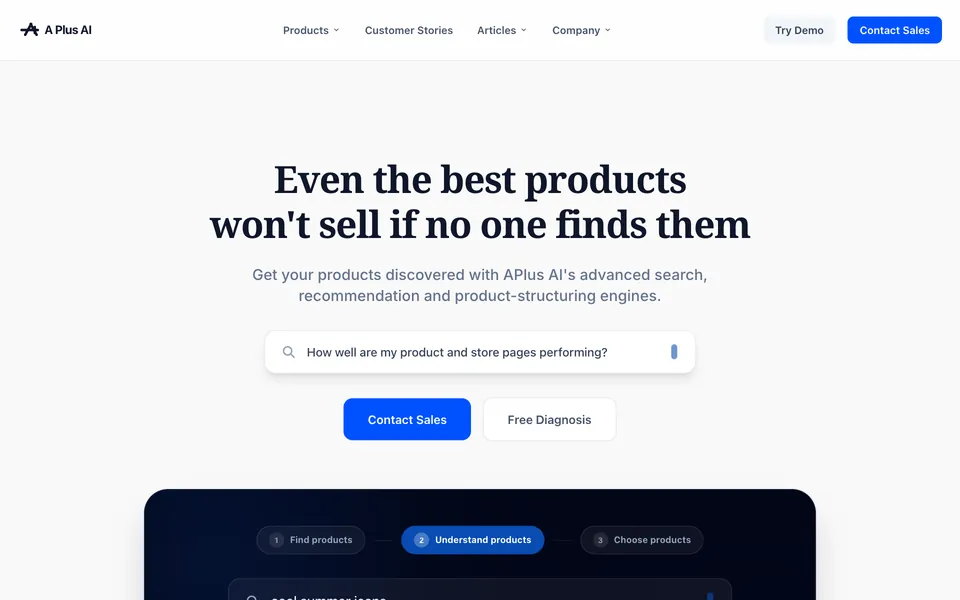
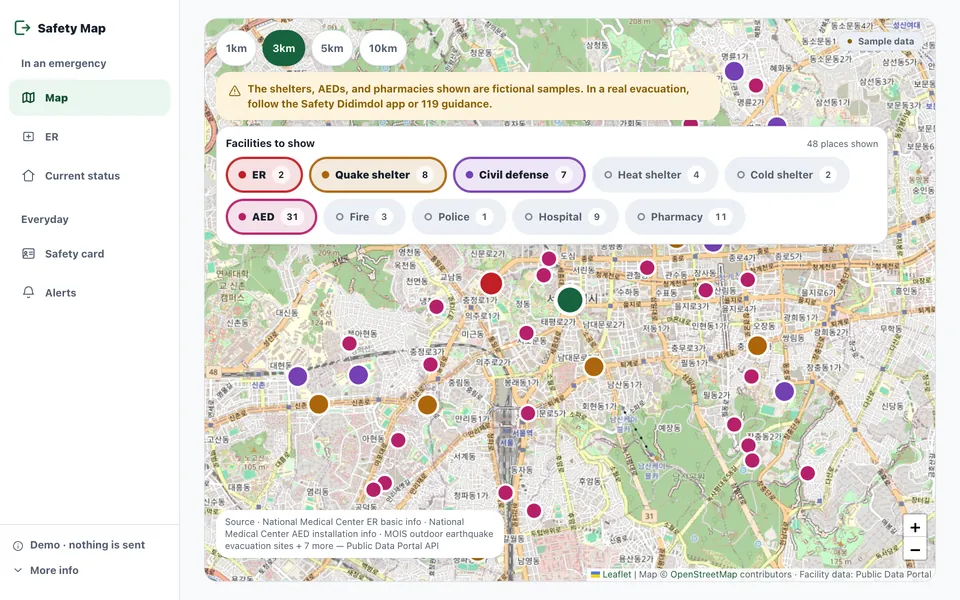
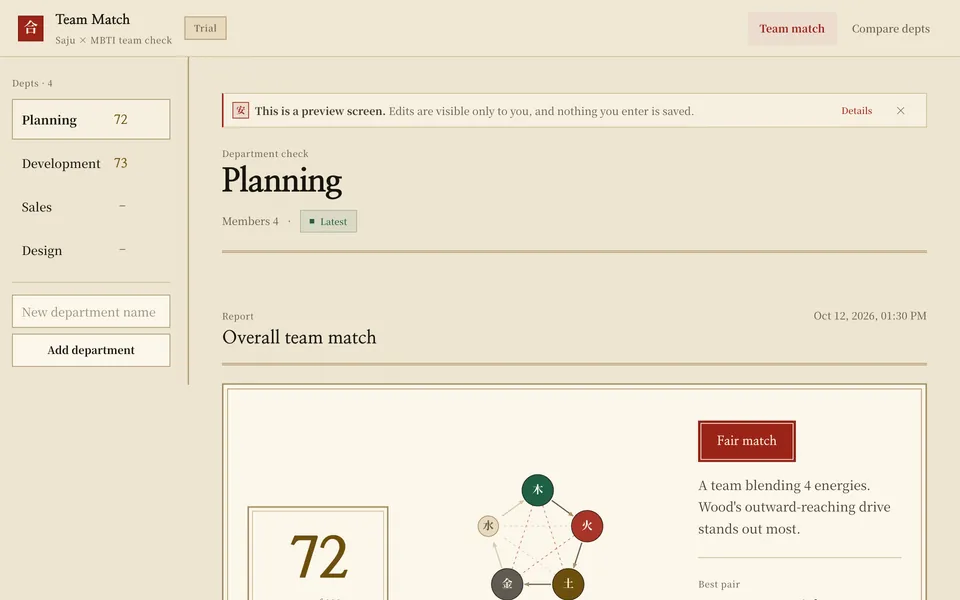
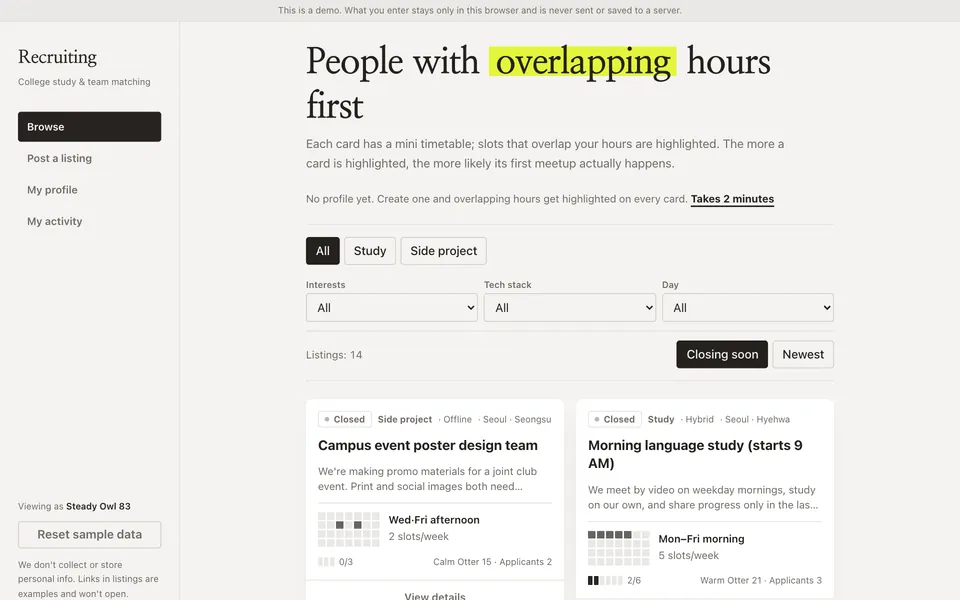

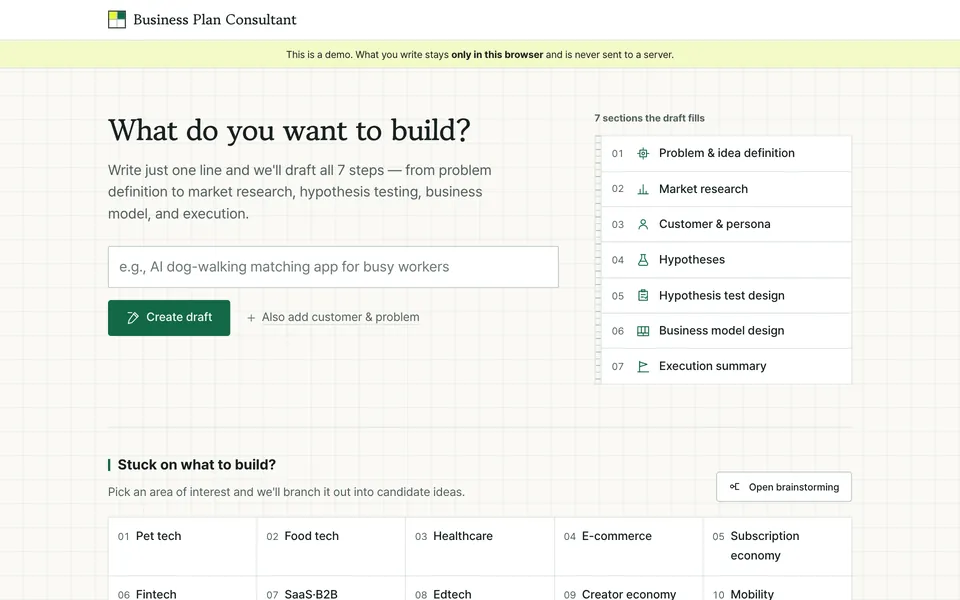
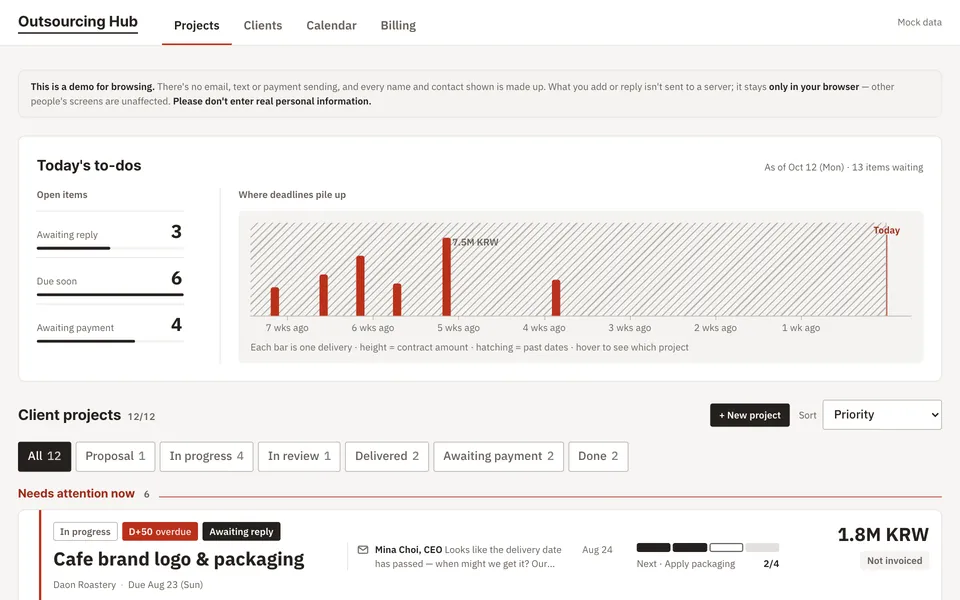
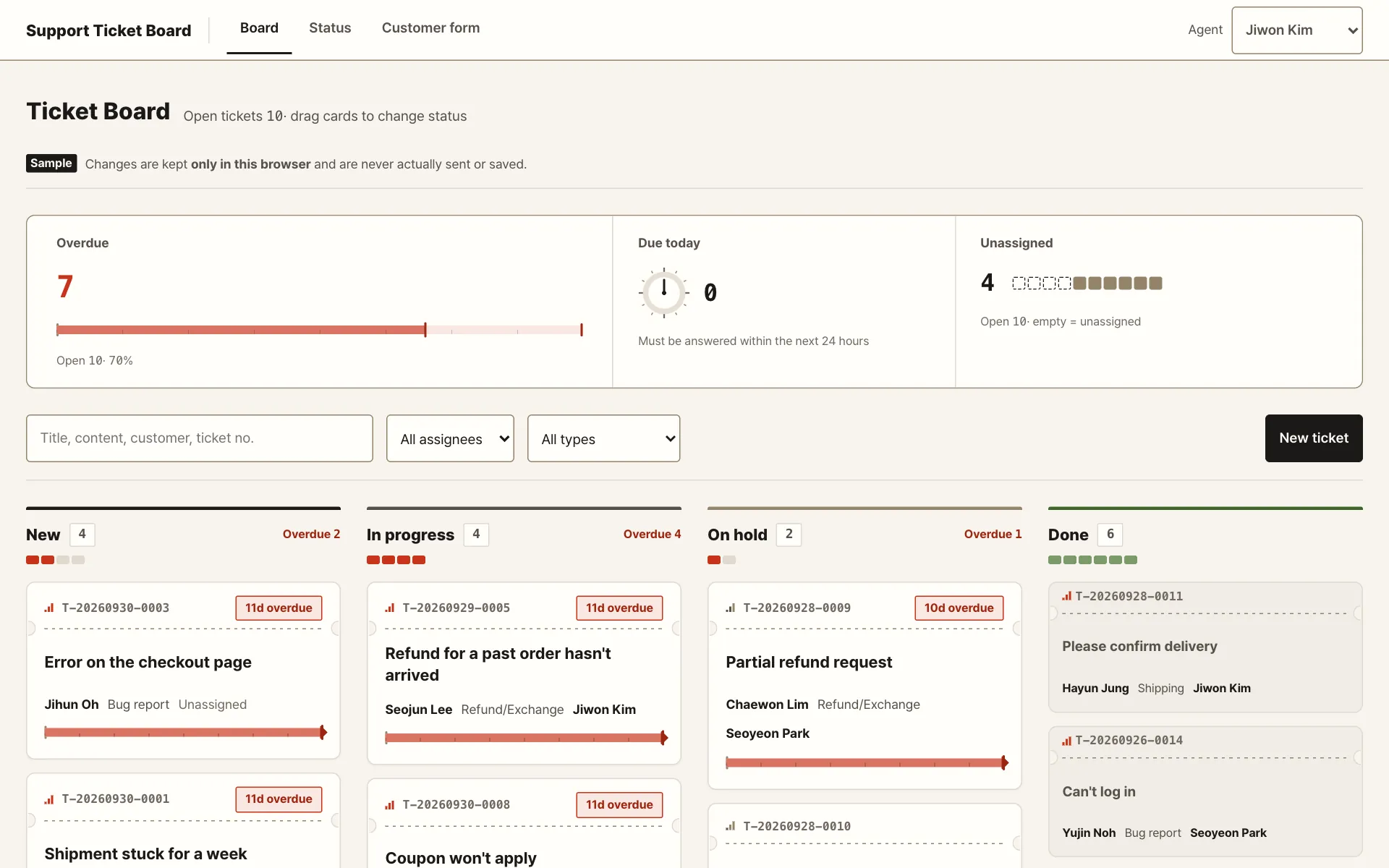
Screens built with Saycode and live at real addresses.
Employees already work faster with ChatGPT and Claude. But results remain scattered across personal computers, beyond company control and sharing.

Planning → development bottleneck
Whether it is an internal tool or a new screen, planners always wait for developer availability.

Broken sharing
Work created in individual accounts stays personal, so the team cannot continue it.

Management blind spot
The company cannot see who builds and uses what, making audits and access control difficult.
Never build alone. Plan and design with teammates in one conversation.
Build a customer support tracker

Built it and put it on an internal address.
Put unassigned tickets in their own view
Add pagination to the list API and fix the N+1 queries

csdashboard.apps.saycode.aiPreview instantly
01Ask in your own words
One natural-language sentence: “Build ○○.”
02Work together
Teammates join the same conversation and keep refining.
03Preview instantly
A real working screen appears beside your request.
04Deploy internally
Issue an internal link with one button.
Talk to it like the AI you already use. Attach a file and hand over the editing too.
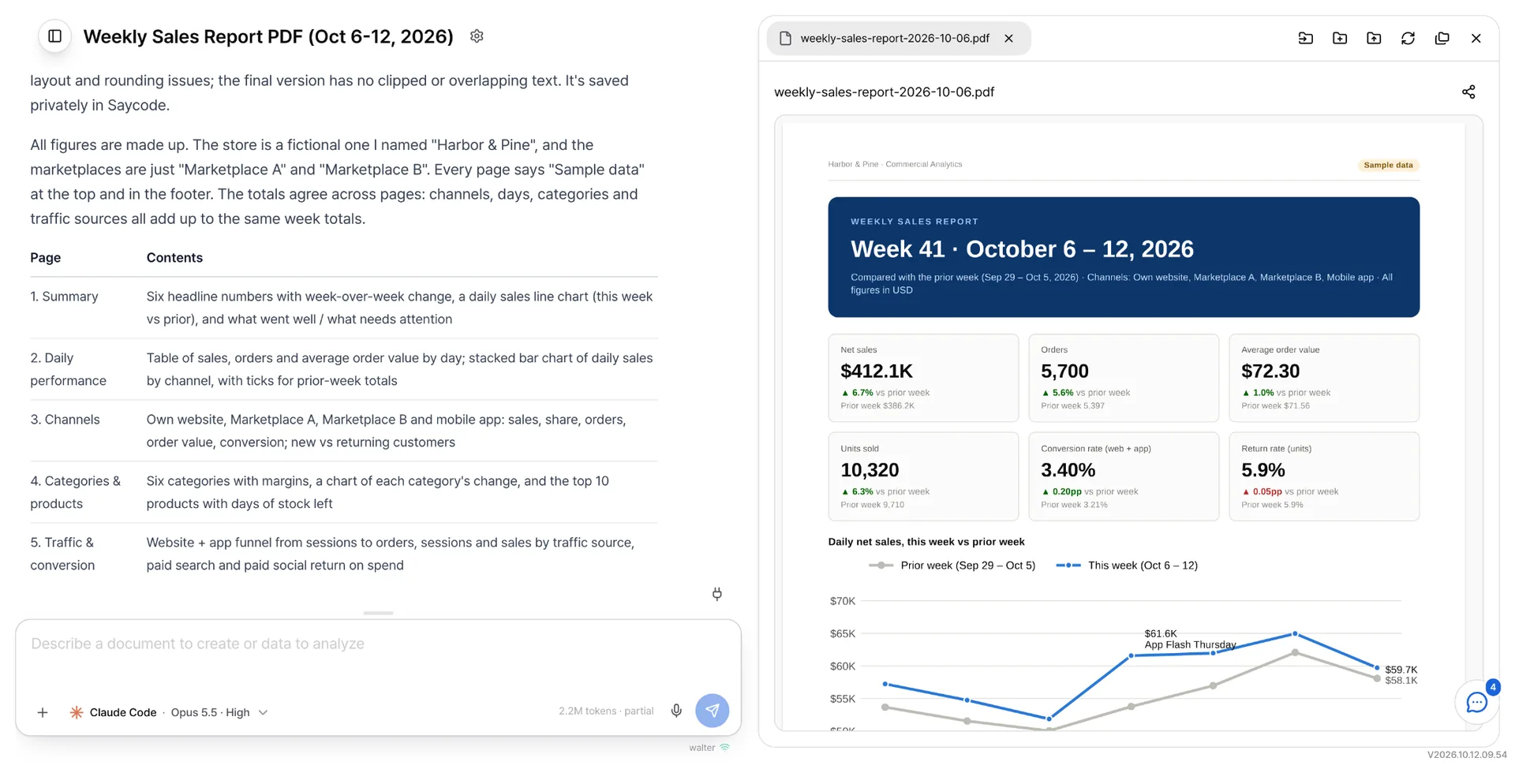
Saycode turns individual experiments into company assets, managing who builds, where it runs, and how it is deployed and shared.
Individual
Team
Access and ownership
Manage projects and access at the organization level rather than through personal accounts.
Machines and runtime
An organization-managed runtime, so you can connect internal databases right away.
Deploy and share
Keep updating the original URL while the team uses the same result.
Collaborate and review
Colleagues can copy and edit work, then review changes before applying them to the original.
Typical vibe coding tools stop at creation. Saycode carries every team member’s work through company deployment, collaboration, and sharing.
Not just building, but getting it used inside the company. That is Saycode.
What the screens above take off people’s plates, written in the words of the people who use them.
Illustrative scenarios, not customer testimonials
Every vendor used to live in a separate email thread. Now it is one screen, and nobody has to ask where things stand.
Every term started with rebuilding the same table and mailing it around. Now the faculty open it themselves.
The night before the weekly meeting went to reconciling spreadsheets. Now we look at the same screen together in the room.
Ideas stayed talk and faded out. Filling in the boxes keeps them around until the next meeting.
Two of us once answered the same ticket because neither knew who had picked it up. That stopped happening.
Course data used to end up in a report and stop there. This time I handed in something you can open and click.
Sign-ups and attendance ran through a different tool each time. Now both finish in one place.
We each tracked deadlines and paperwork, and missed one. One person built it, and the team runs on it.
Every proposal started with hunting for the last one. Now it starts with picking one.
I downloaded public datasets and never used them. Putting them on a map is when they became useful.
After a meeting everyone walked off with their own notes. Now I can find what we discussed last month.
I was tired of pasting the same recruiting post into every group chat. Now I post once and send a link.
50%or more saved
Actual savings vary with usage patterns and company setup.
Where the savings come from
From a free evaluation to company-wide rollout, tailored to your organization.
Free pre-adoption evaluation · starts after inquiry
Free PoC
Chat only, nothing to build
Office
Team collaboration · internal operation · company-wide rollout
RecommendedEnterprise
You can request work in natural language without being a developer. Only company-approved members have access.
Code, conversations, and artifacts are kept in your company’s own environment and protected with end-to-end encryption (E2EE). Where it sits is decided together with your company.
It uses company-managed AI models. Connect Claude, Codex, or Gemini with company accounts, or use an internally hosted model.
Deploy to an internal URL in one click through the internal PaaS, with SSL applied automatically.
Contact us to begin after a short consultation. The service is currently offered to organizations.
No. Connect the Claude Code or Codex subscription you already have and Saycode works within its limits with no separate token charges. Without a subscription you can start on the trial model.