ENTERPRISE
Shared by the team, managed by the company
Say what you need, and a working screen appears.
What gets built stays with the company
When someone moves on, the work in their personal account leaves with them. Work in Saycode stays with the company.
Used alone, it scatters
Used by the company, it accumulates
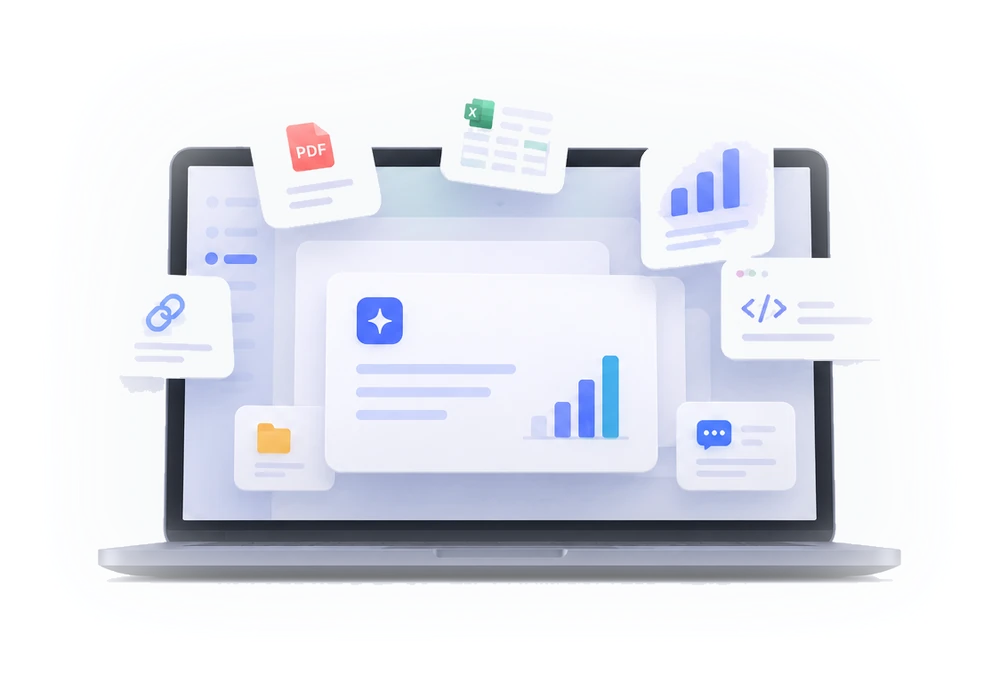
- Control
- One place the company manages, where who built and uses what is visible.
- Sharing
- What one person made, the whole team picks up as is.
- Collaboration
- A colleague takes it further, and it lands in the original after review.
- Deployment
- It goes live at an internal address you can open right away.
Build more on a smaller budget, and the results stay with the company.
Say it, and it goes live at an internal address
One sentence is enough. You get an address where the screen opens.
Give me one screen for everything we outsource, including progress and settlement.
Built and deployed to an internal address. You can open it right away.
outsourcing.apps.saycode.ai
What teams built
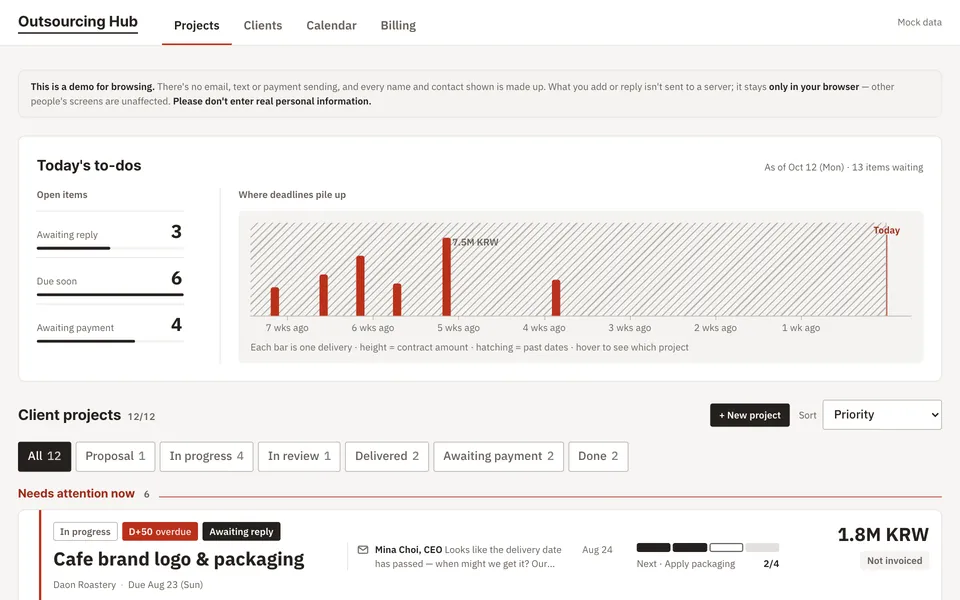
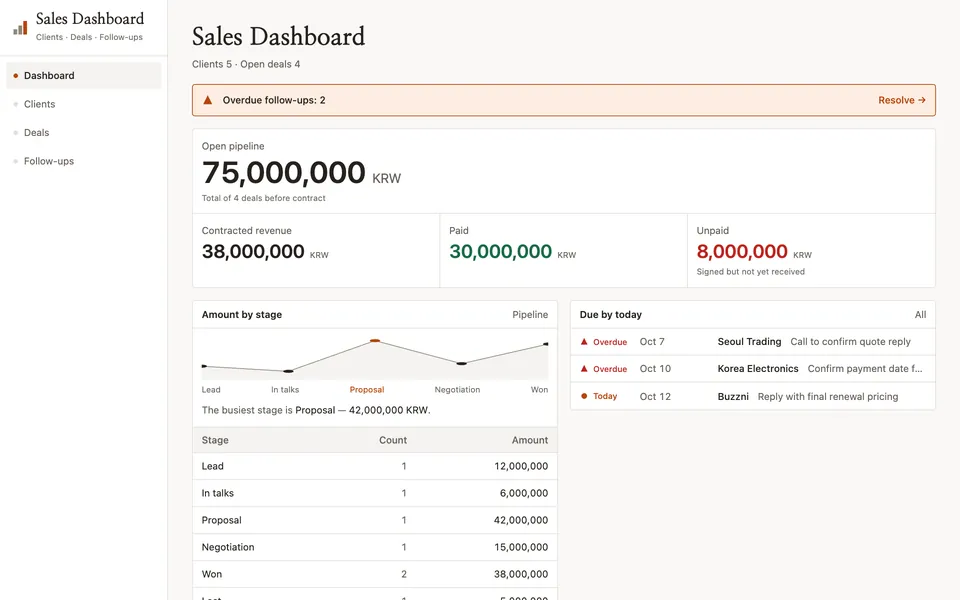
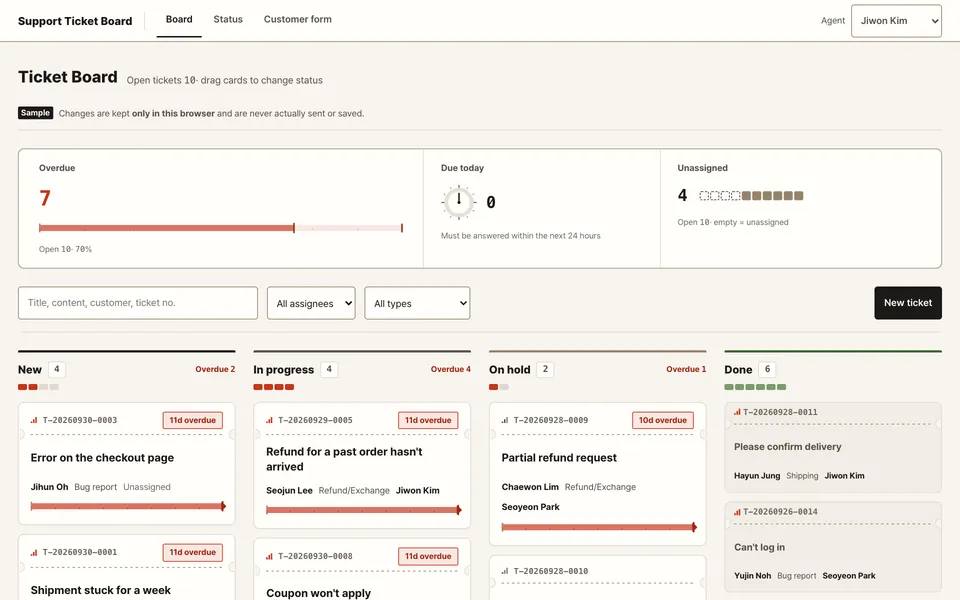
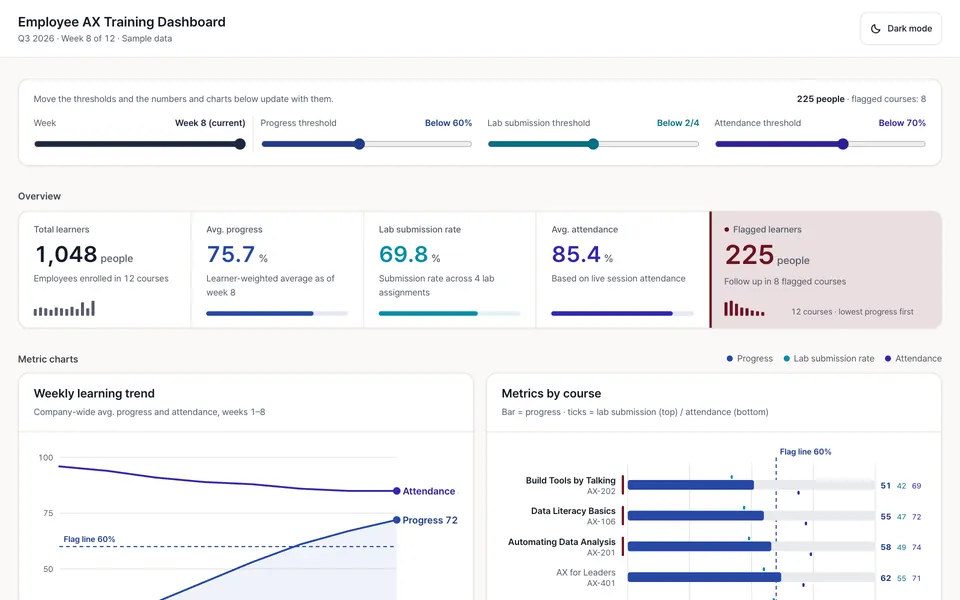
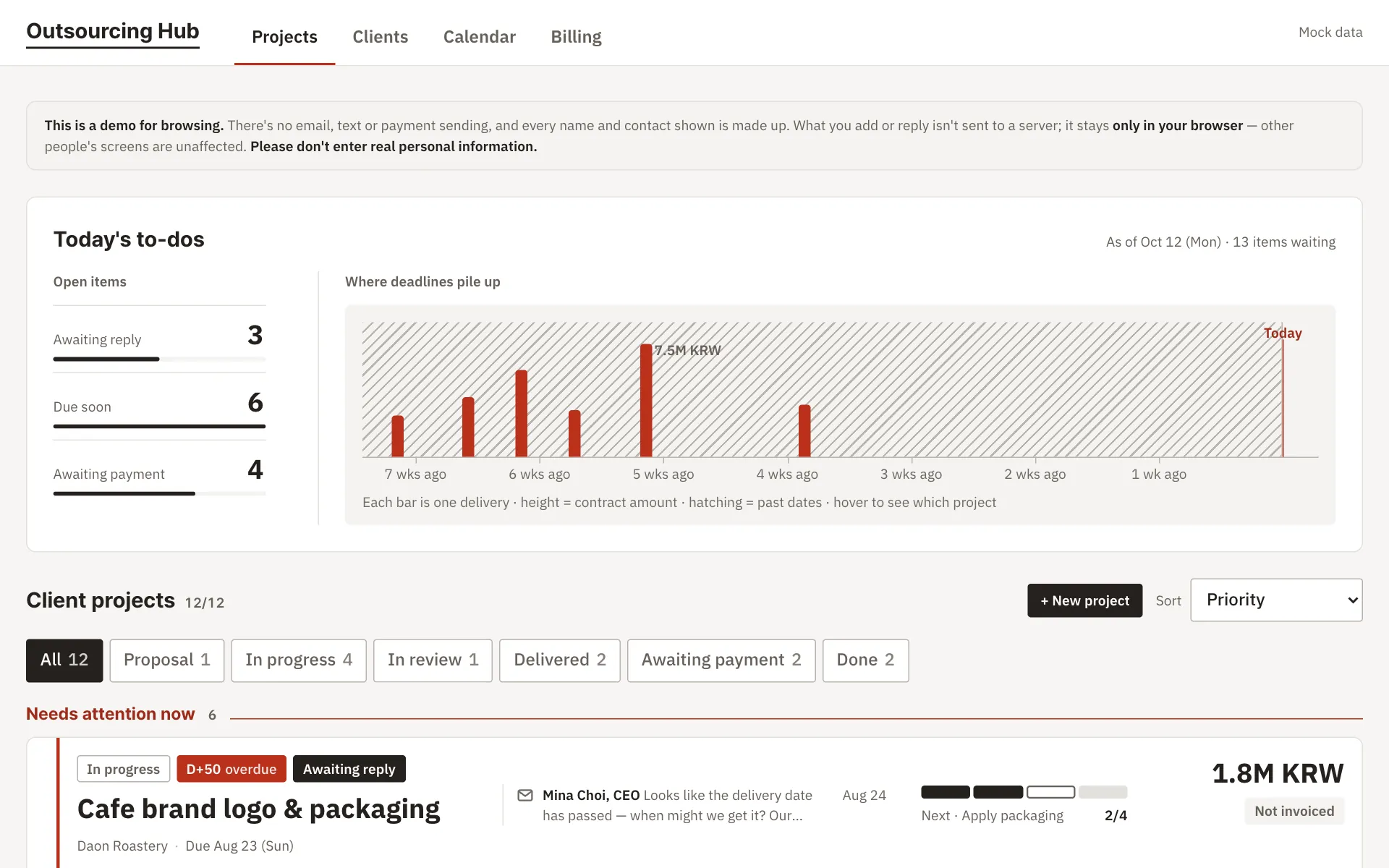
Screens built with Saycode and put on real addresses.
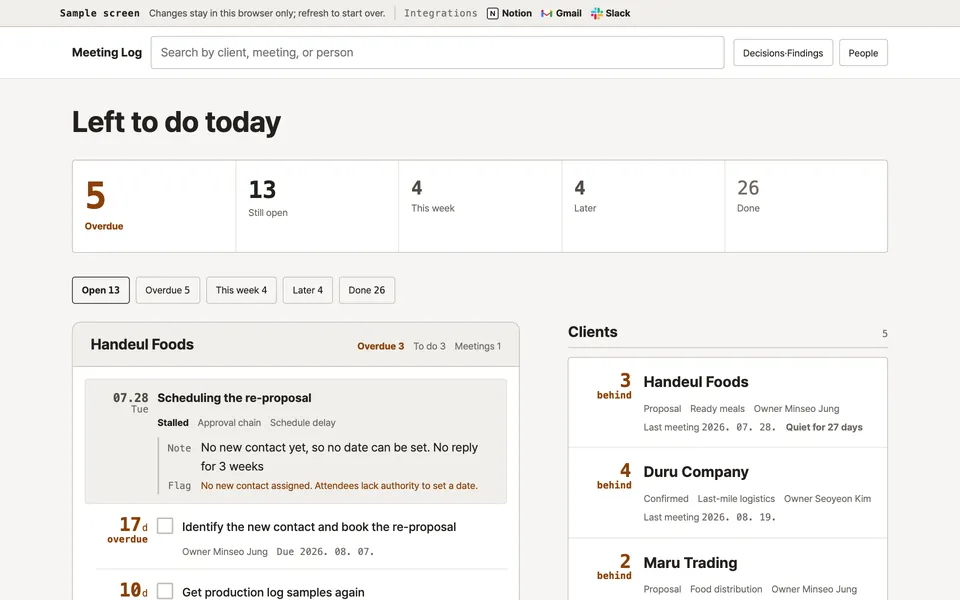
Outsourcing hub
Operations and purchasing
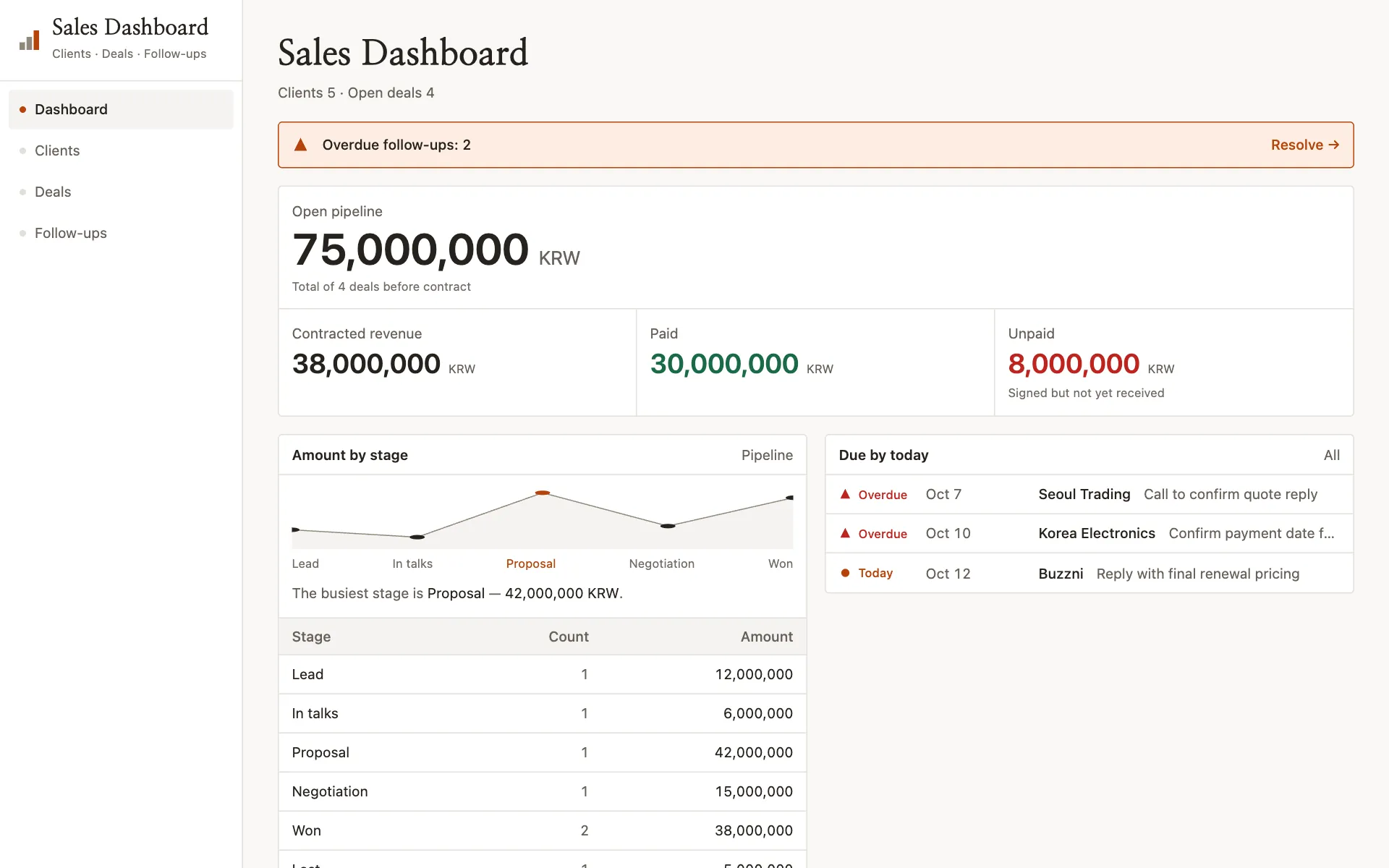
Sales board
Sales
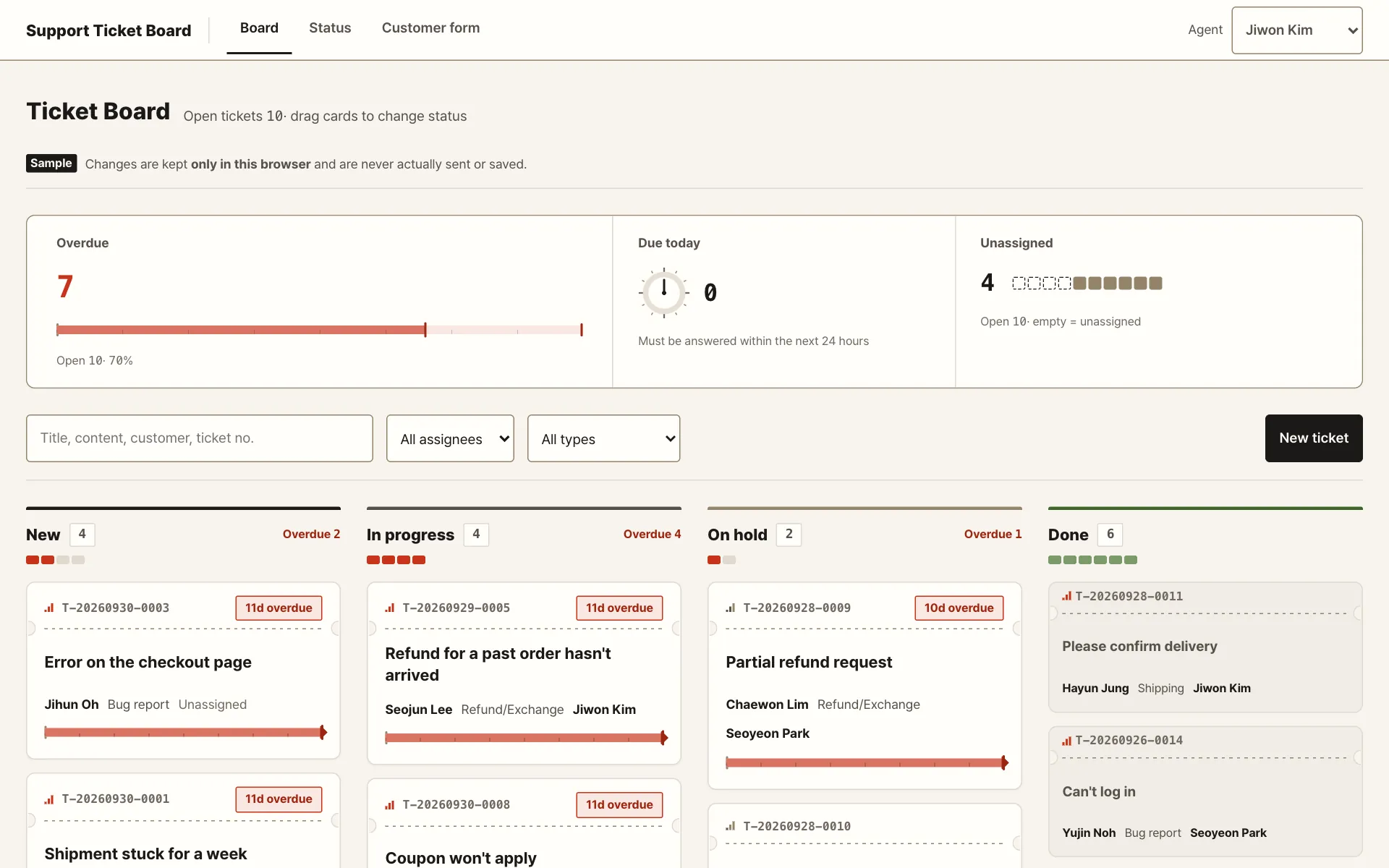
Support tickets
Customer support
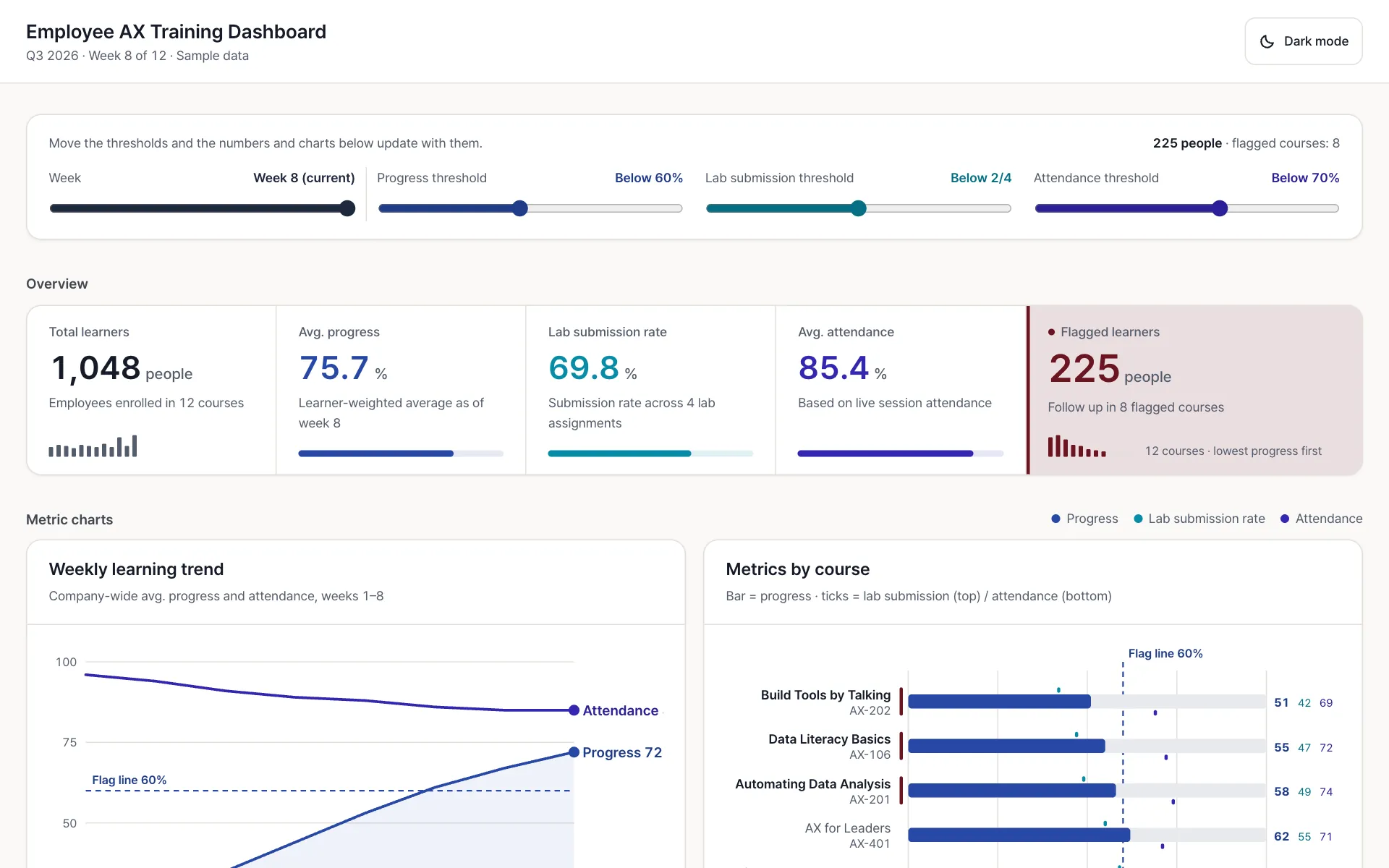
Employee AX training
People and L&D
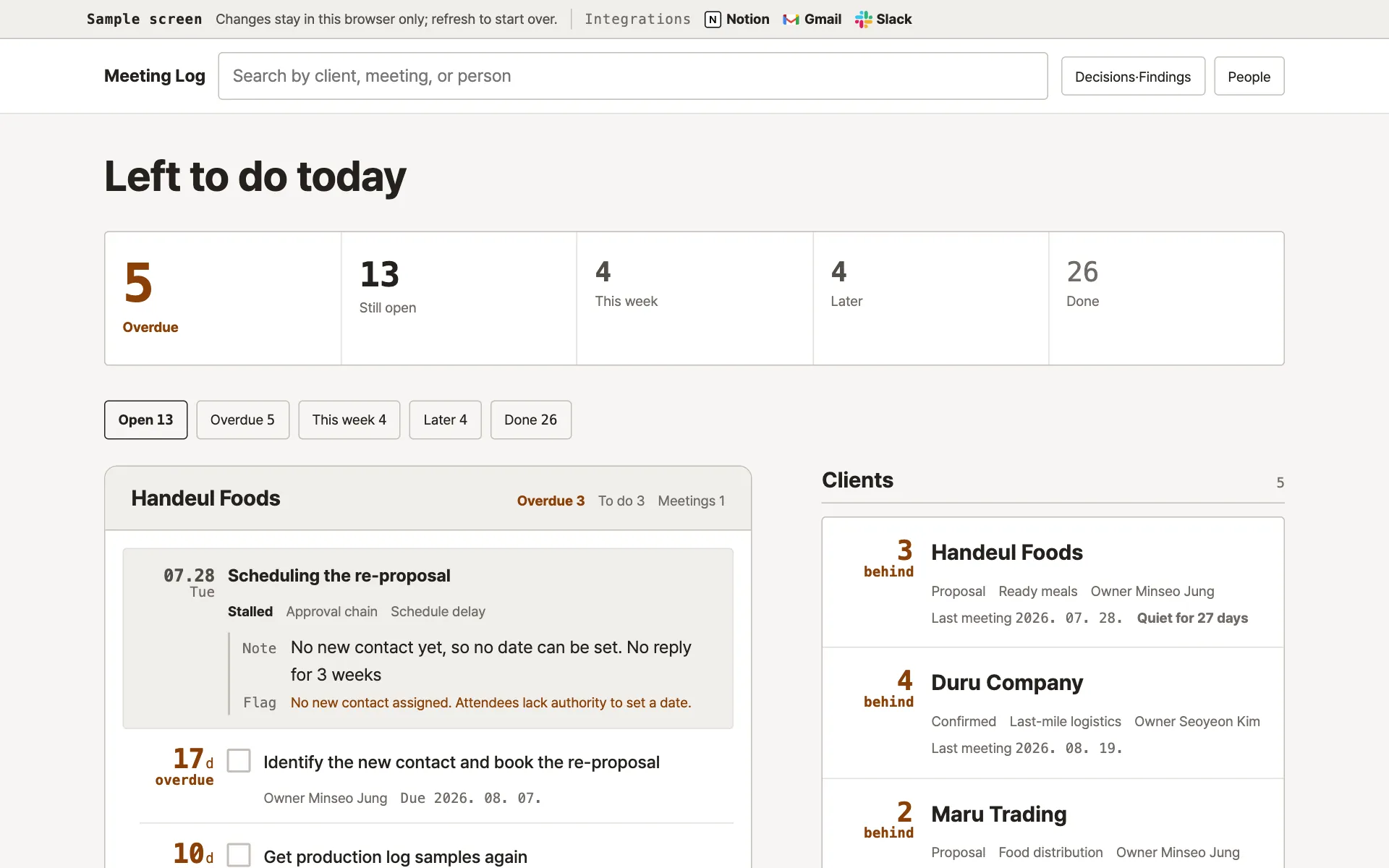
Meeting log
Business development
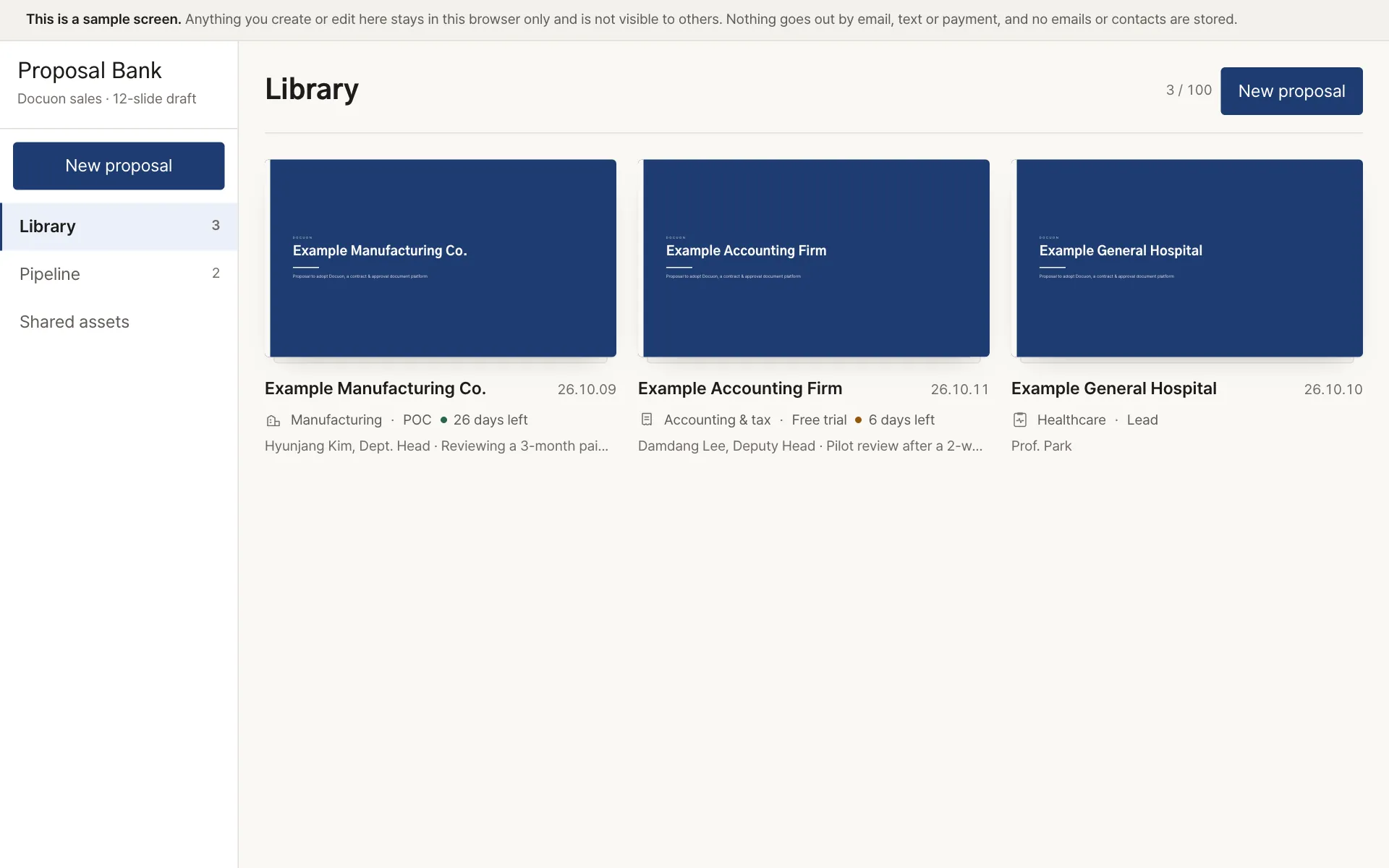
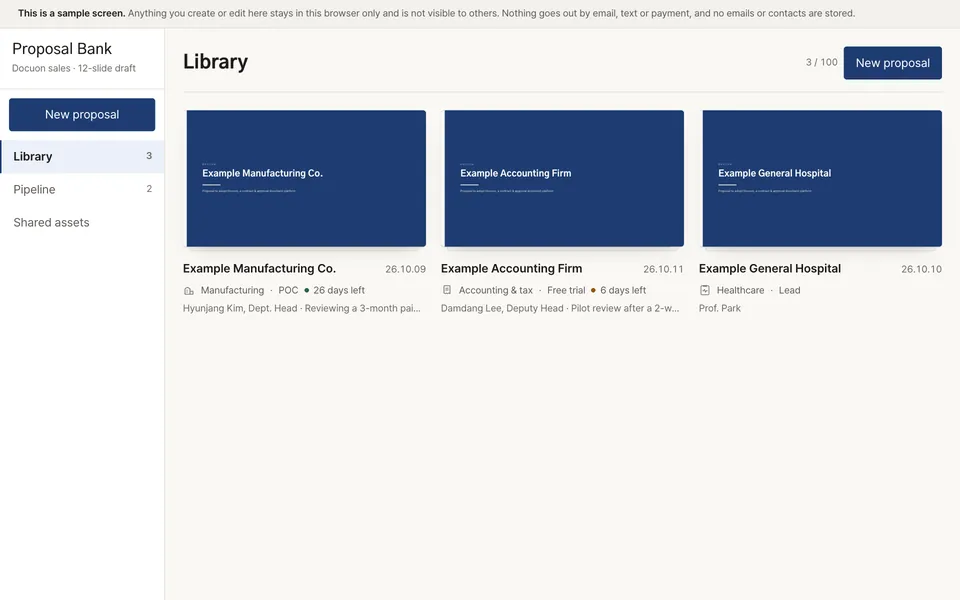
Proposal template bank
Planning and proposals
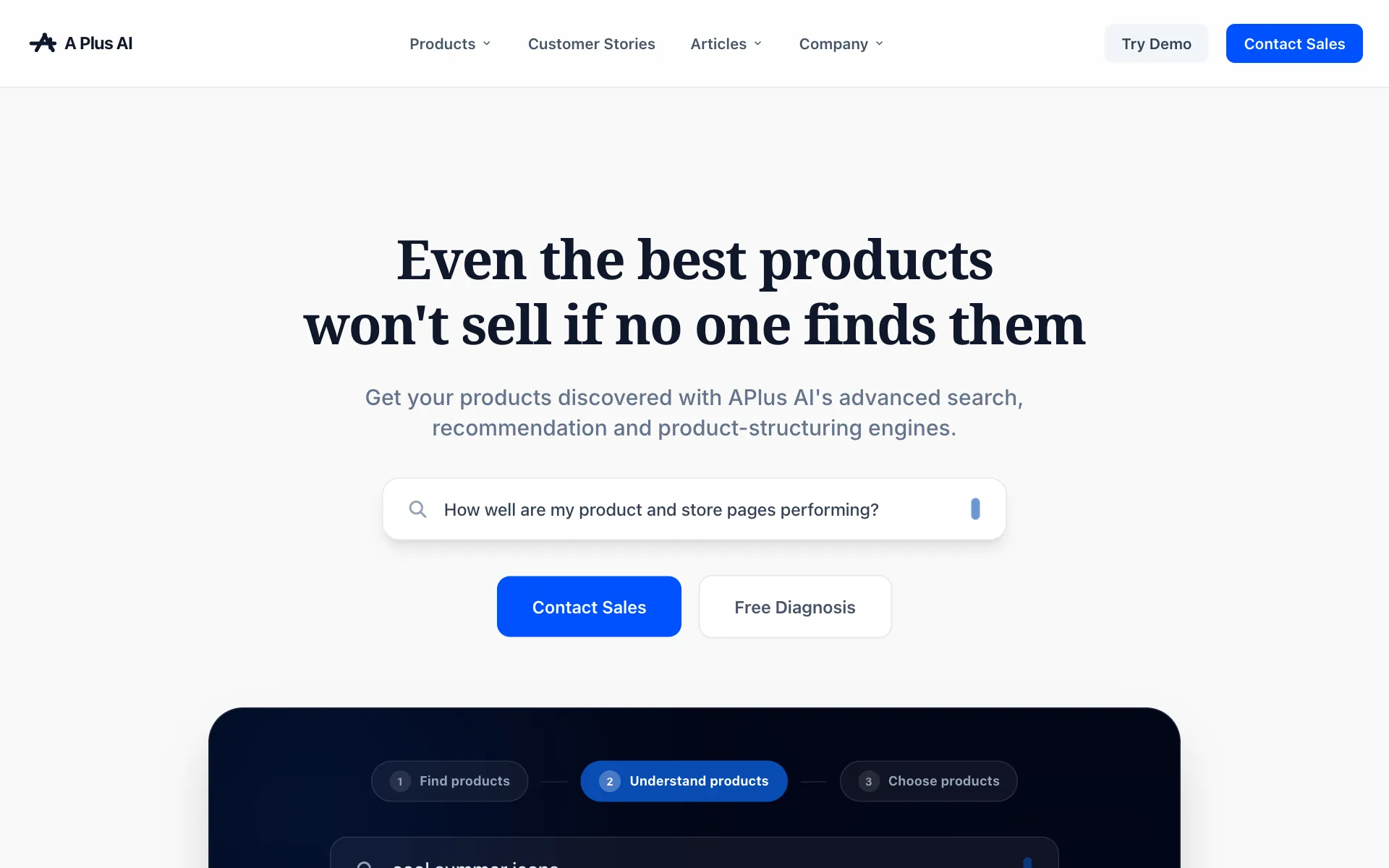
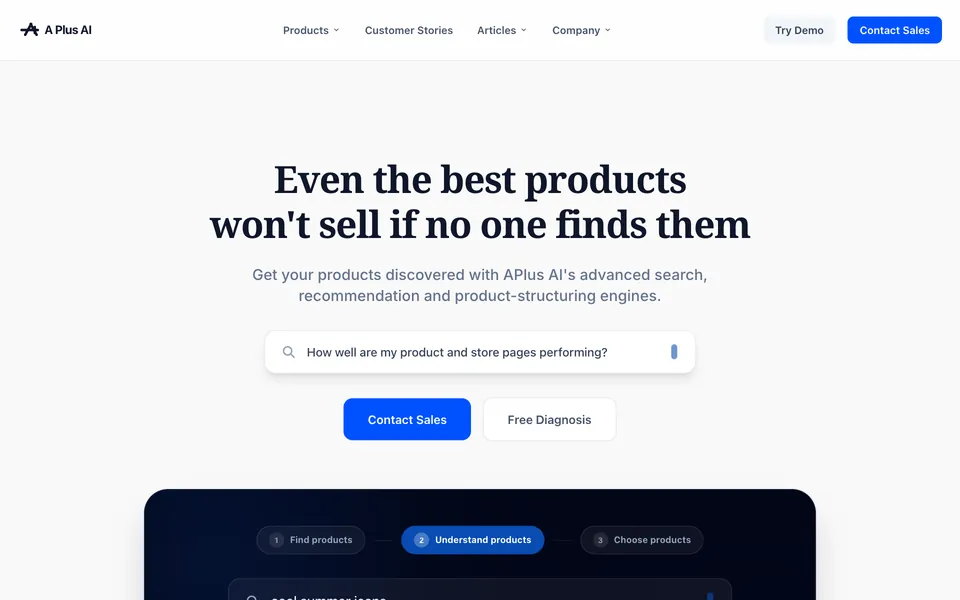
Company intro page
Marketing
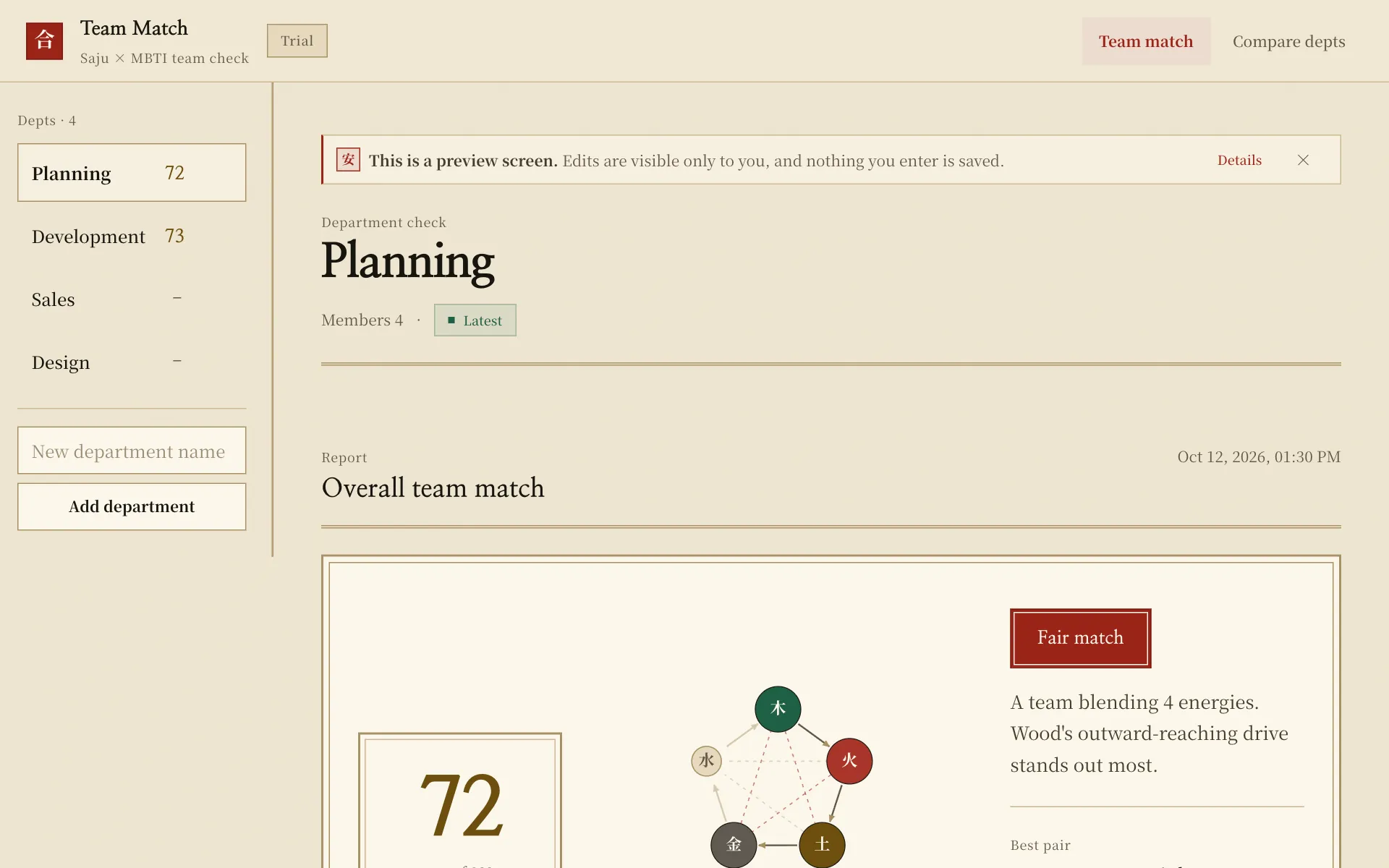
Team fit check
Team building

Interactive quiz
Internal events
Everyday work, on Saycode
Talk to it like the AI you already use. Attach a file and hand over the editing too.
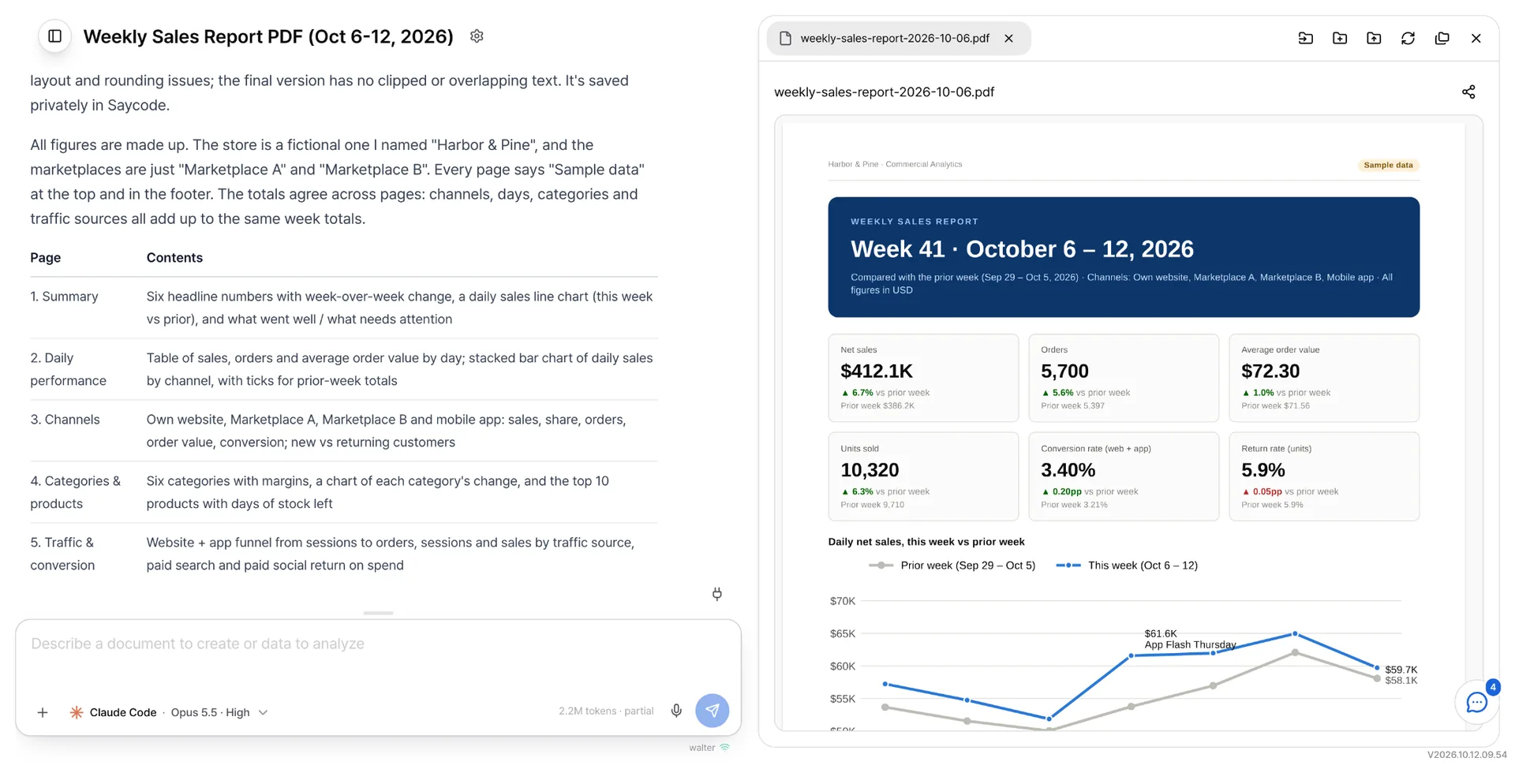
- 01Ask anything
- What is stuck, what to look up, what to tidy.
- 02Attach a file
- Drop in slides, PDFs, spreadsheets, and hand over the summary or the edit.
- 03Query company data by asking
- No SQL needed. Ask for the data you want and it finds and arranges it.
- 04Straight into building
- Once the direction is set, that same conversation carries into the build.
Monthly AI spend, down by more than half
Based on usage from June to August 2026 across 50 people in Buzzni's engineering and non-engineering teams, monthly AI spend fell by 50% or more compared with the previous per-person subscription support. Actual savings vary with usage patterns and company environment.
- AI subscriptions and API usage are managed and tuned in one place.
- Saycode's auto mode picks a model that matches the task at hand.
- Buzzni's AI playbook cuts the work that burns tokens for nothing.
It connects to the tools you already use
- KnoiAI meeting notes, on the spot
- NotionDocs and wiki pages
- SlackWhat was said in threads
- Google DriveCompany files and folders
- GmailMail you sent and received
Pulled in mid-conversation, with no downloading and pasting.
Internal databases
No more waiting on “could you pull this data for me?” Query and analyse it yourself, inside the access your company sets.
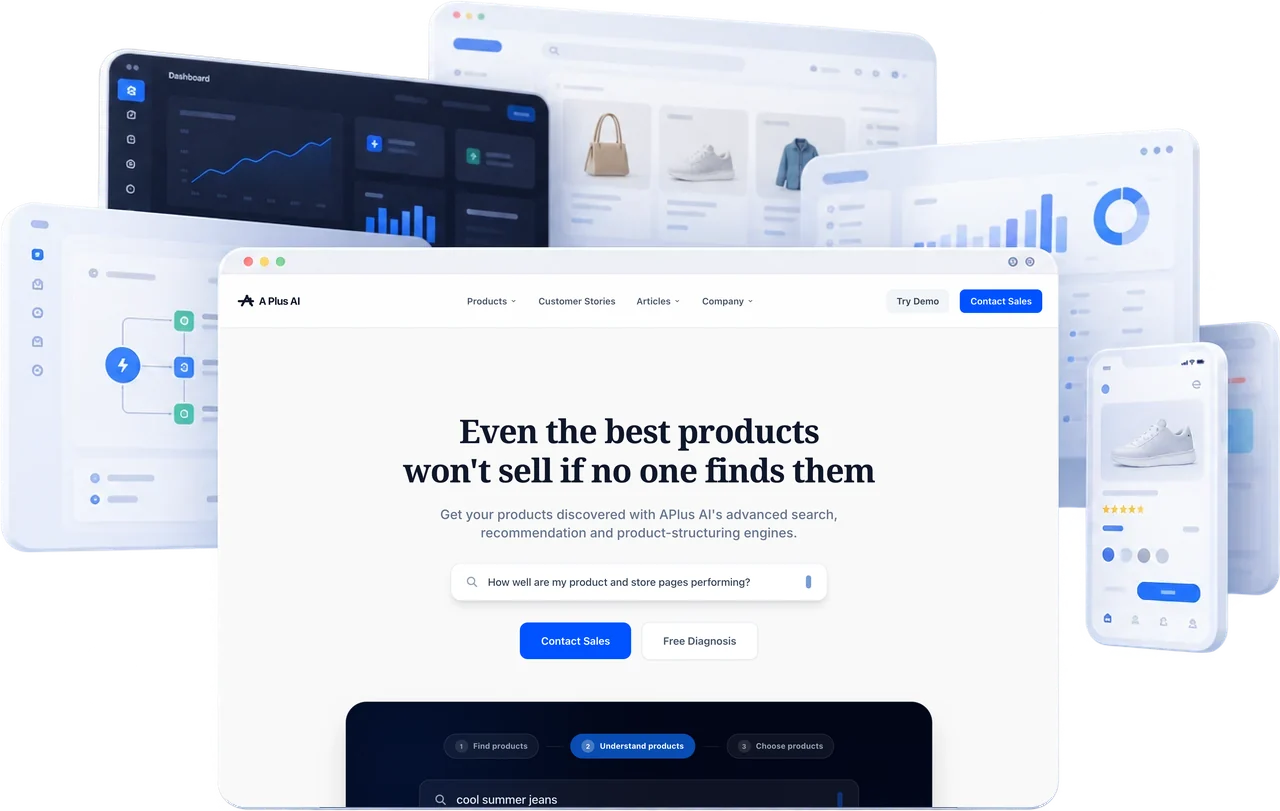
The side that asks and the side that builds sit together
Repeat requests for internal tools drop, and control over the code stays with engineering.
Several people stand on one line, and what they make passes between them.
- Code checks and AI guidelines stay on while business teams build.
- Engineering reviews the changes before anything lands on the original.
Code and data stay inside your company
Apps, code and deployments run in your company’s own environment; the only path out to an external AI is the approved one. Where it sits is decided together with your company.
Outside
External AI modelsApproved · end-to-end encrypted
What to check
- Where it runsThe app, the code, and deployment all run in your company’s own environment.
- Protection in transitConversations and code are end-to-end encrypted.
- When someone leavesWhen someone leaves, ownership of their output stays under central control.
- Records and tracingWho did what and when is recorded.
- Which AI can be usedOnly the AI models your company has approved are used.
See whether it fits your company first
A one-month PoC changes one real task. That is where AX starts.
- Evaluation
- In-house operation
- Company-wide