EDUCATION
Students build it, and it stays with the school
An AI coding lab environment for university AX courses. Not only in coding classes: what a student made, and how they made it, is visible together.
The school provides the AI; what gets built scatters
Today
You fund the accounts, but all you see is usage
You see how much was spent, but not what it went to.
Only the result is handed in, never the process
Prompts and sources do not follow the work, so the student’s share is unclear.
It gets handed in, but the school cannot touch it
The school decides neither which AI is used nor what survives the course.
With Saycode
The school allocates per course, and sees it
Use the school’s own subscription, and see what each course spent.
The process stays with the school too
Prompts and revisions stay alongside the result.
The school still manages it after the course ends
Only school-approved AI is used, and the work stays at the school’s address.
One sentence builds it, and it opens on a school address
Nothing to install and nothing to configure. Start right in the browser.
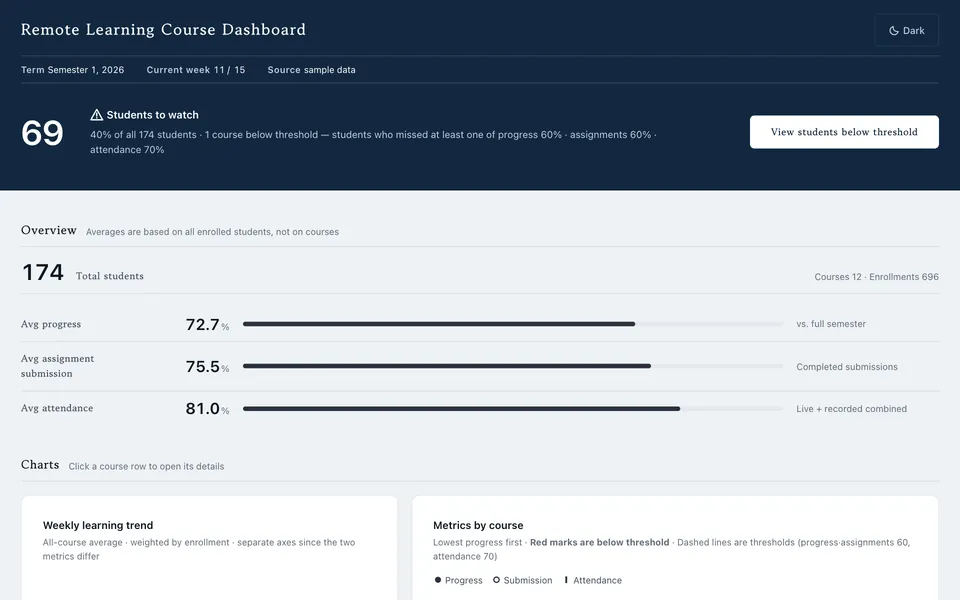
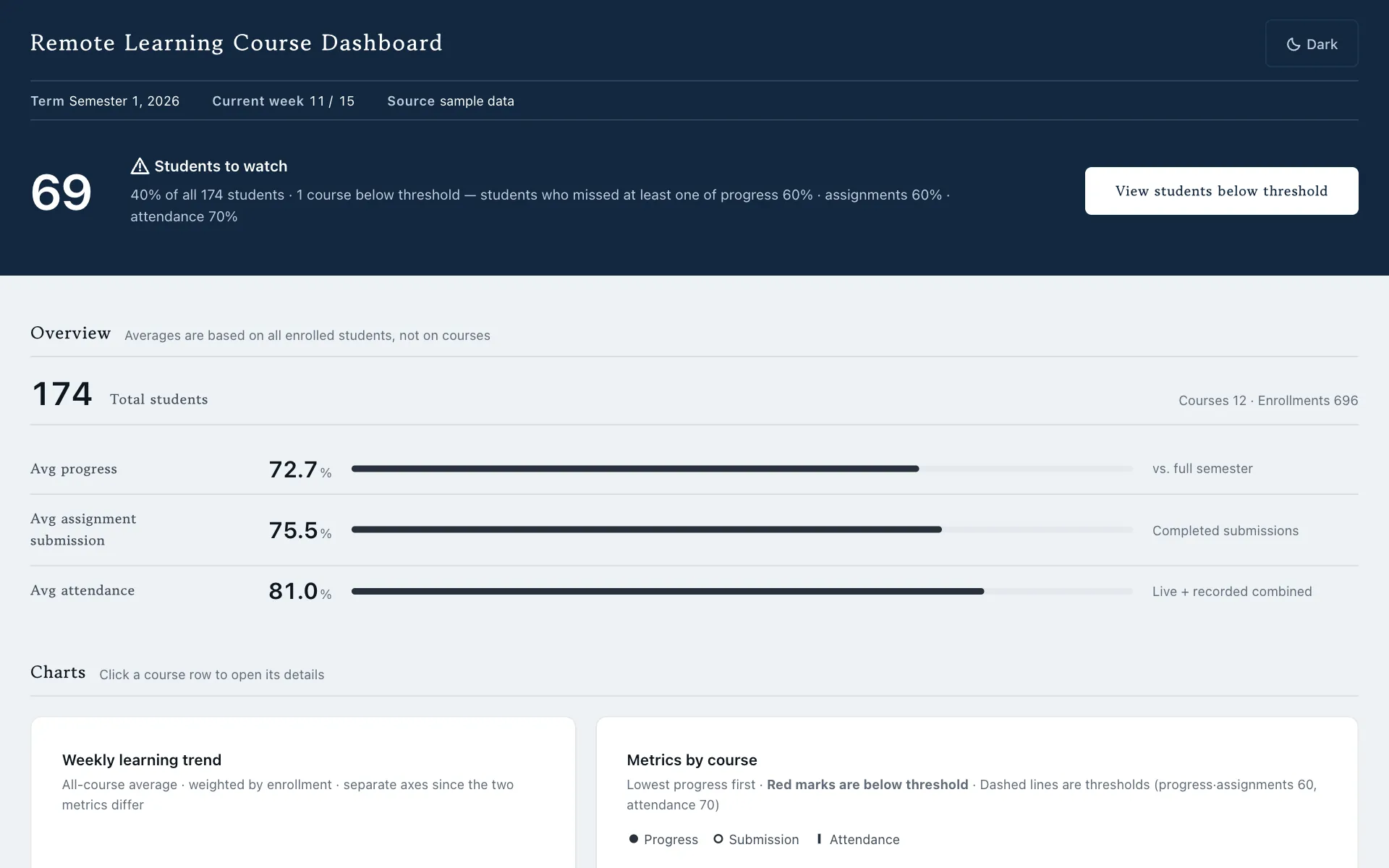
Let me see every student in the online course on one screen. Progress and assignment submission too.
Done. It is up at your school address, ready to open.
lecture-dashboard-demo.apps.saycode.ai
What students built
Screens built with Saycode and published to real addresses.
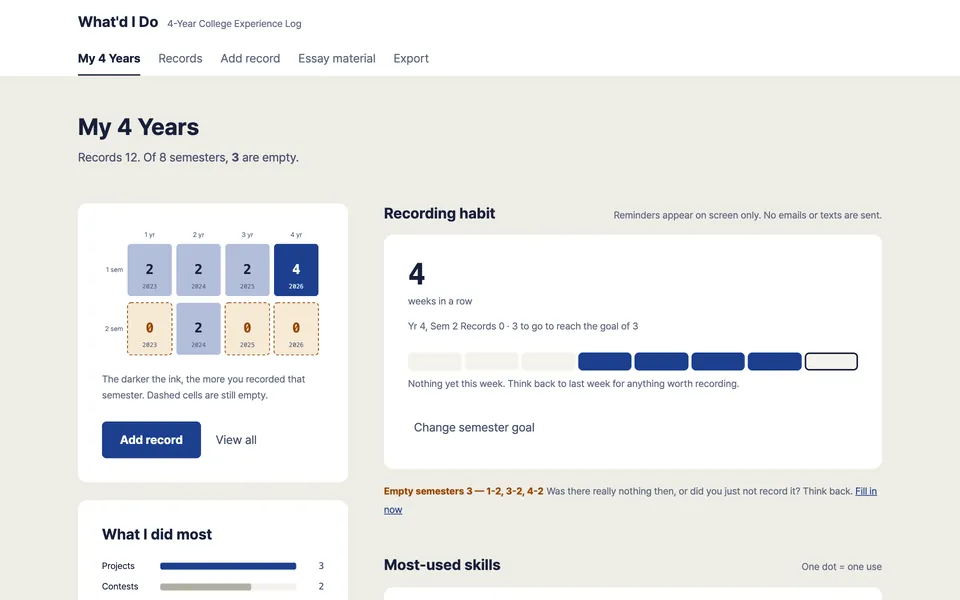
Course dashboard
Department office
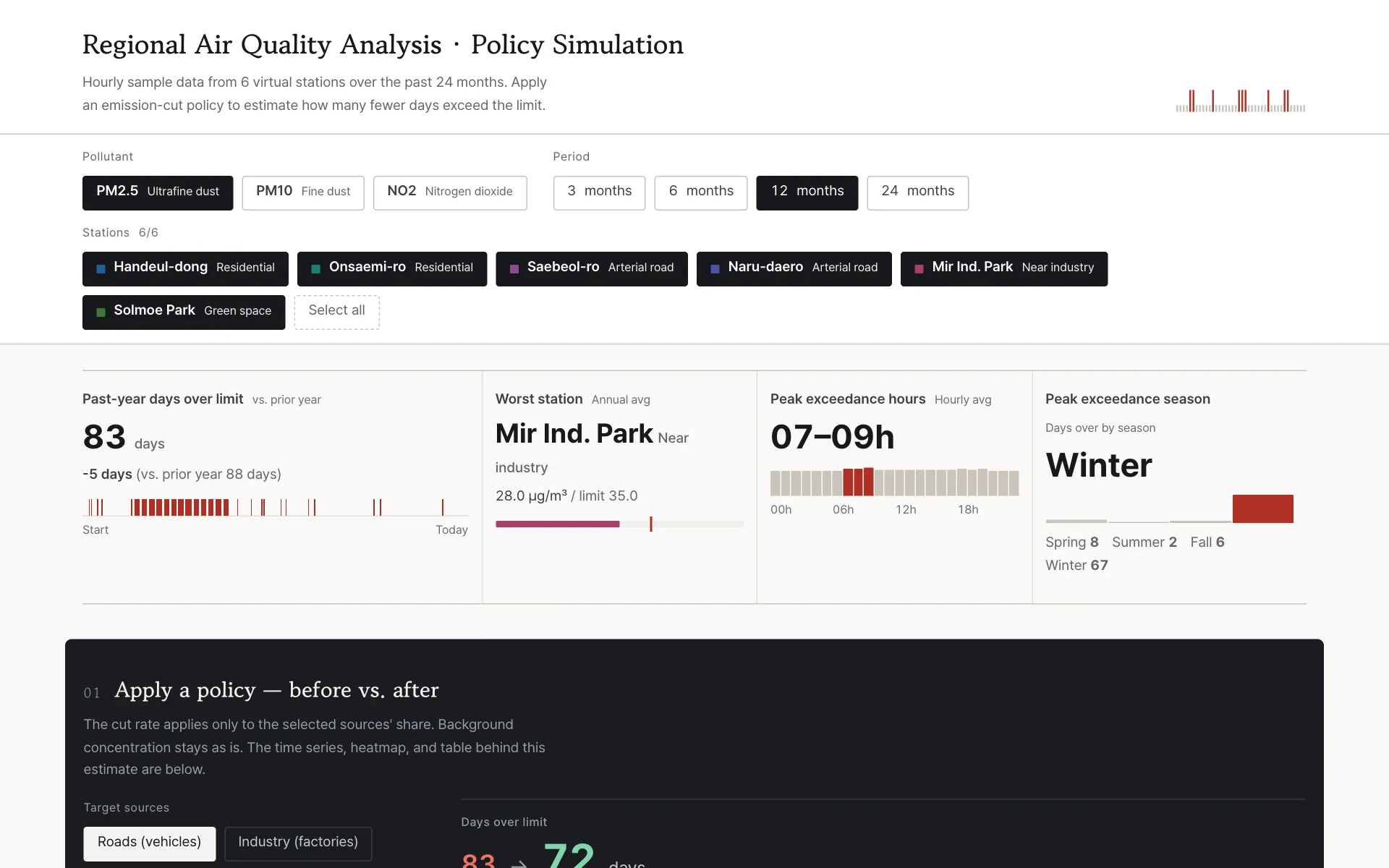
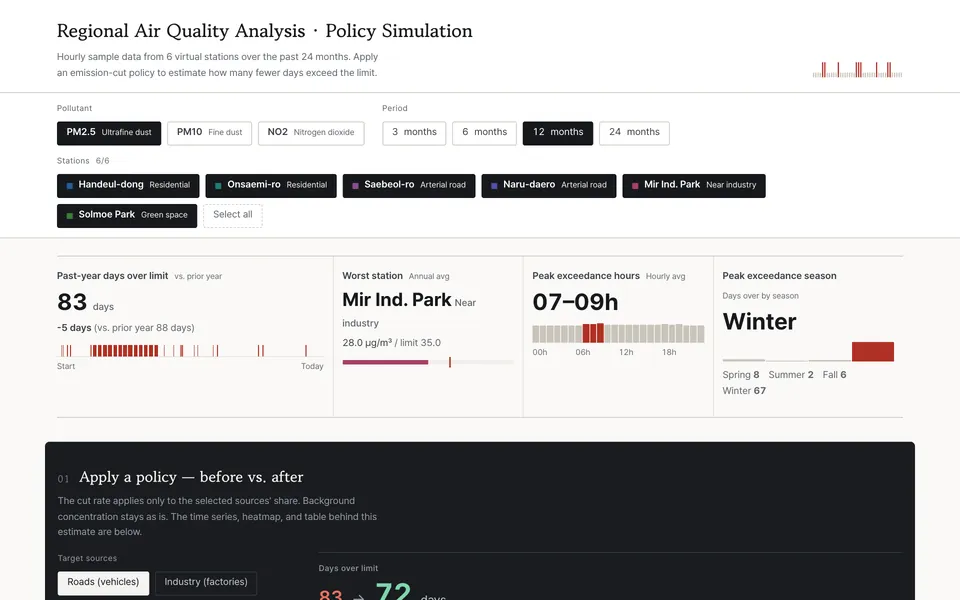
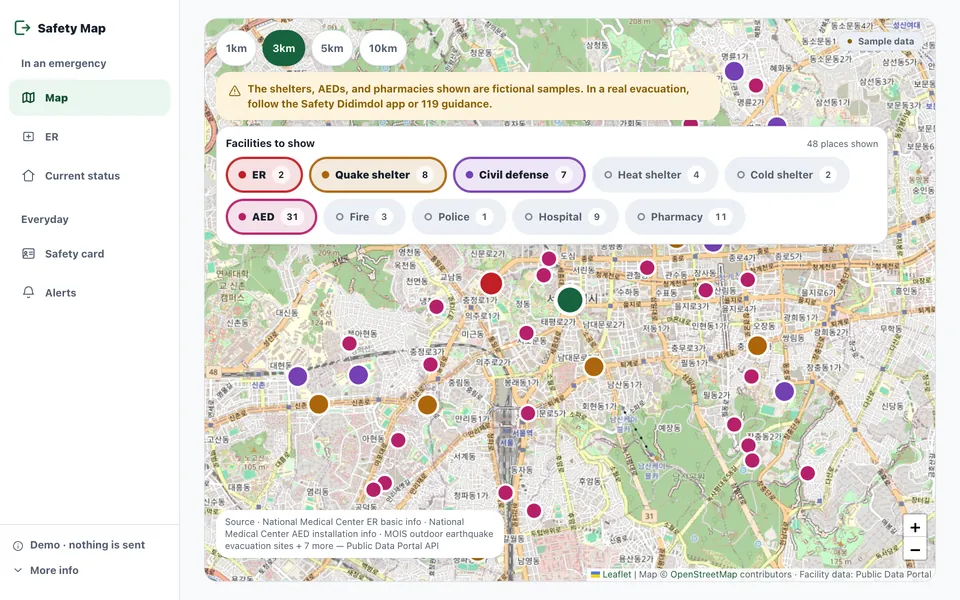
Regional air-quality analysis
Data analysis course
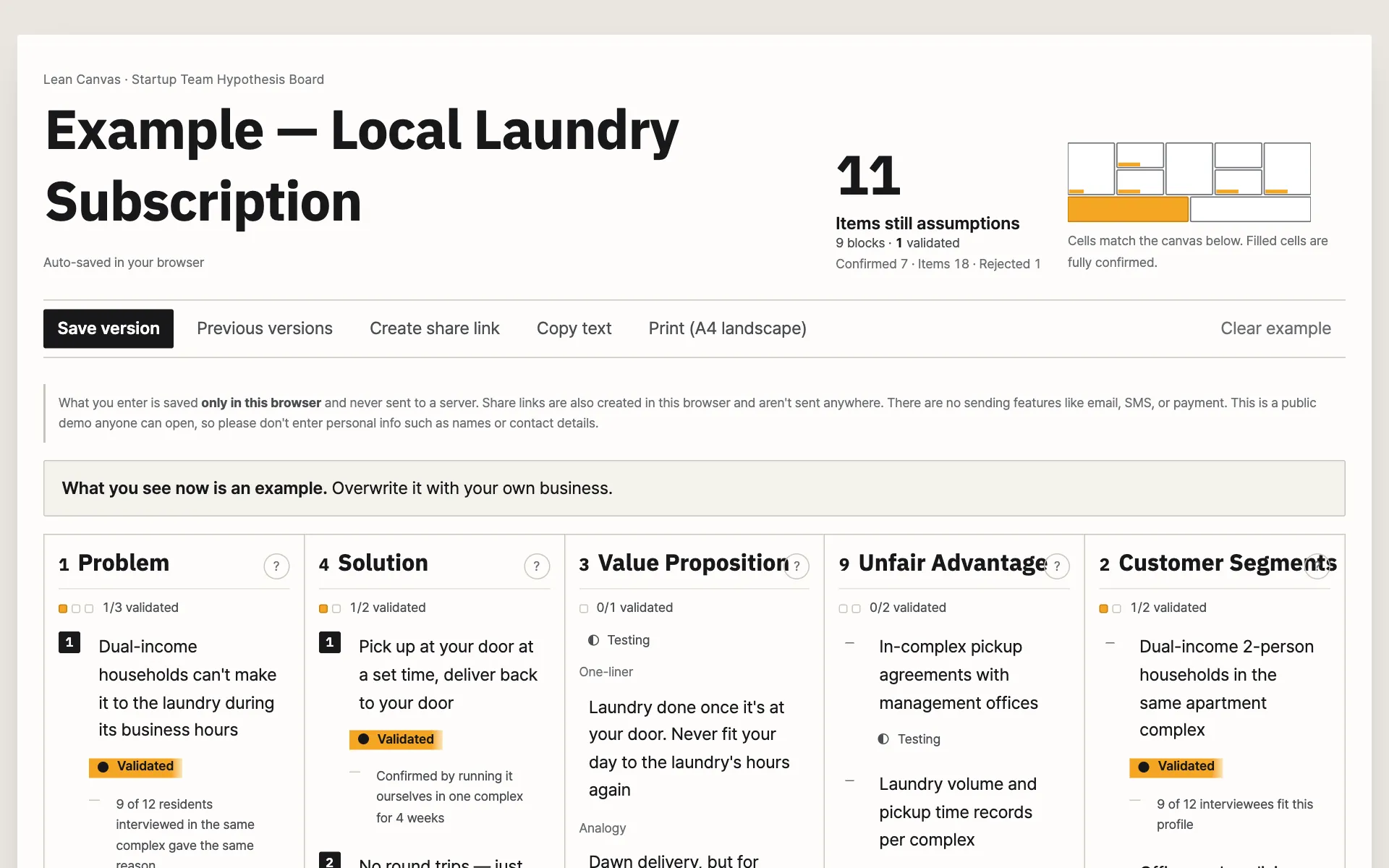
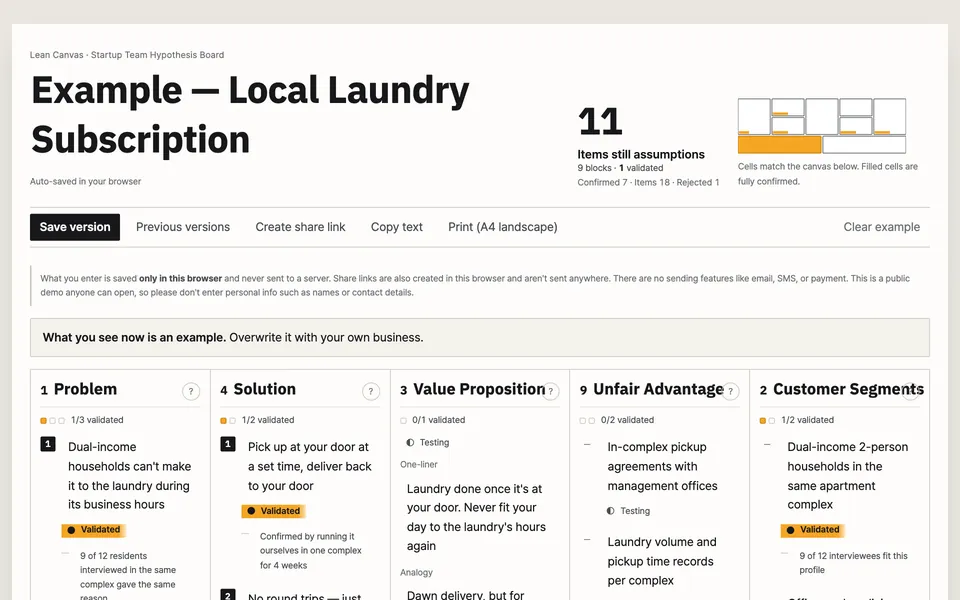
Lean startup canvas
Startup club
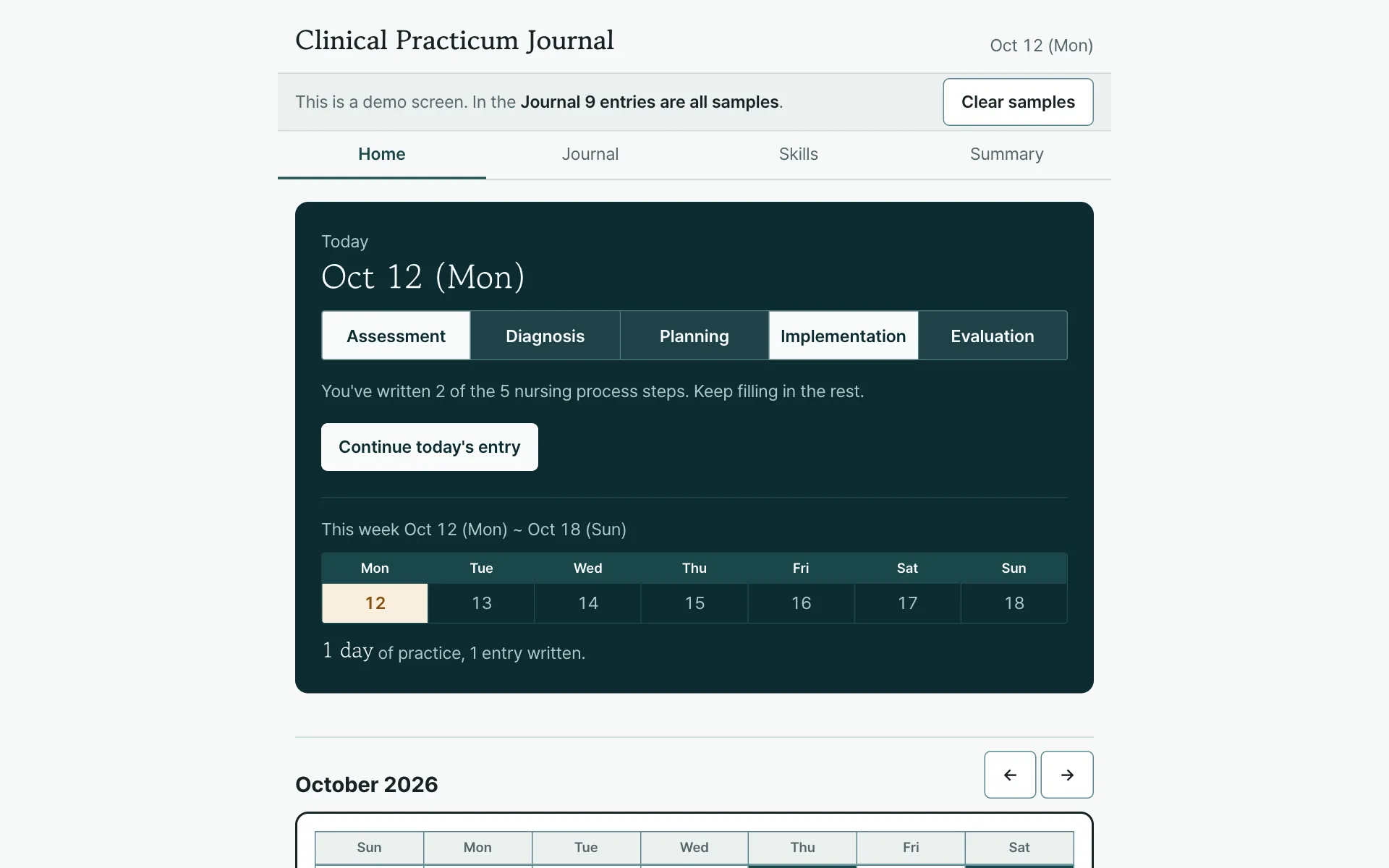
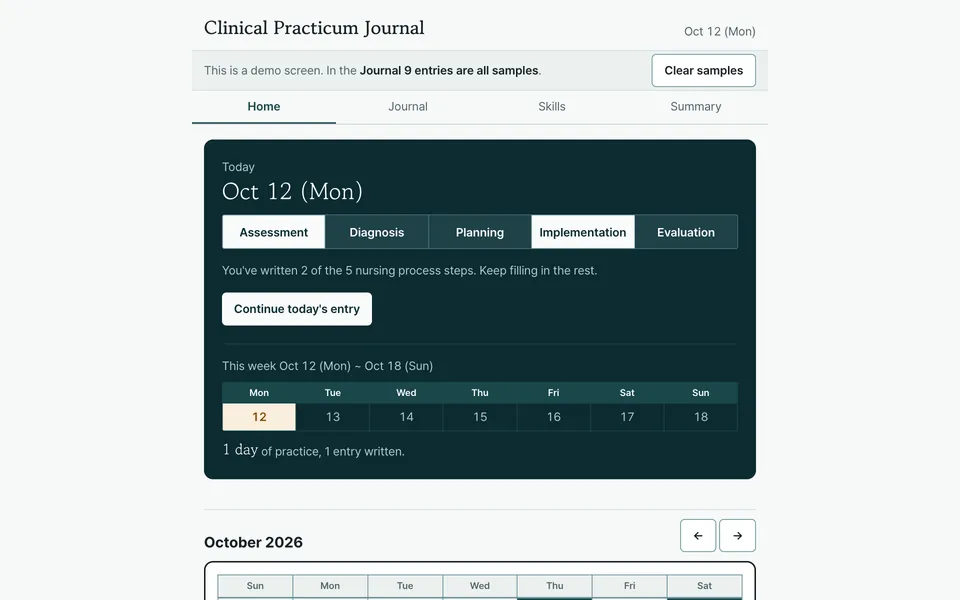
Practicum journal
Departments with practicums
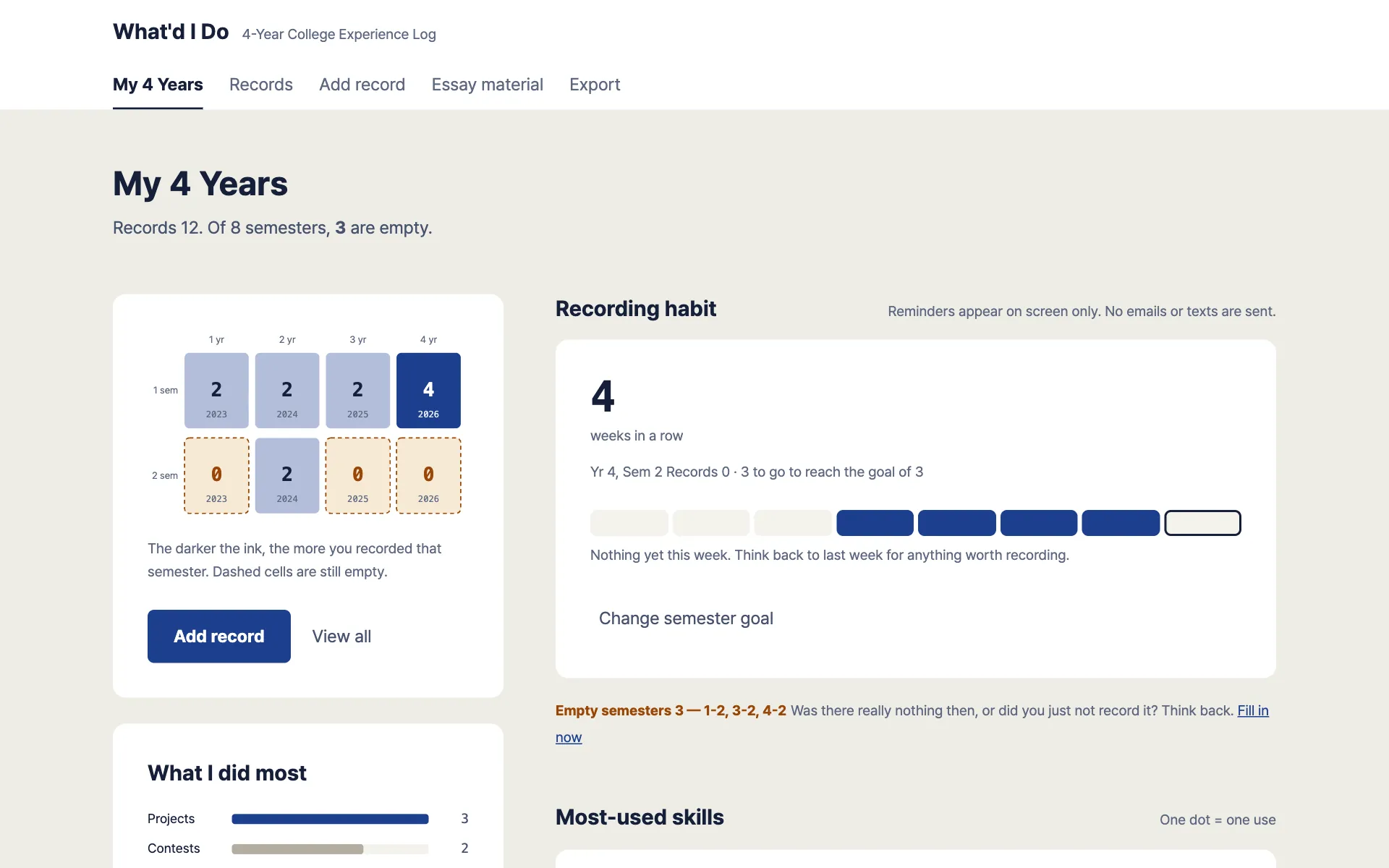
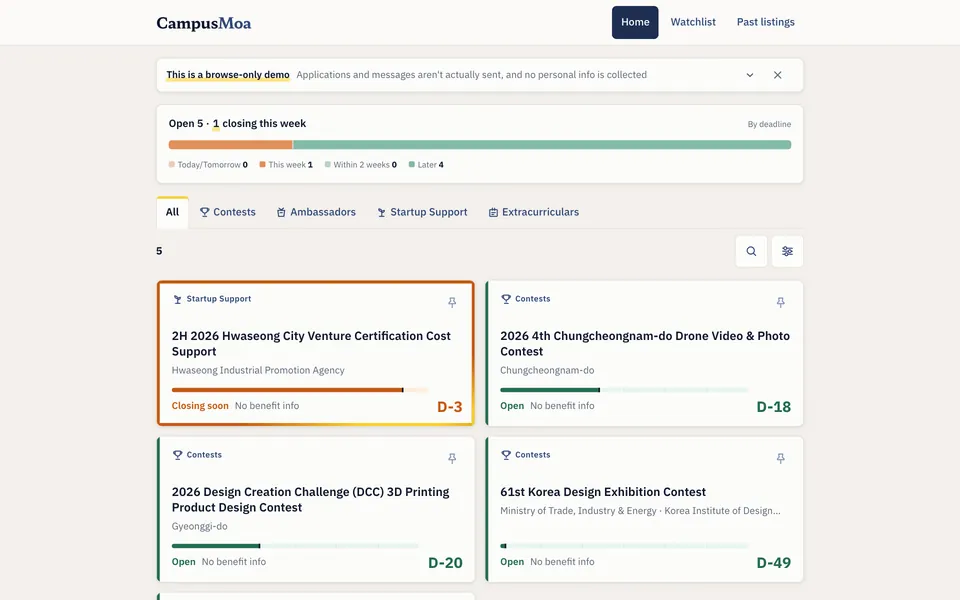
Activity record
Awards and outside activities
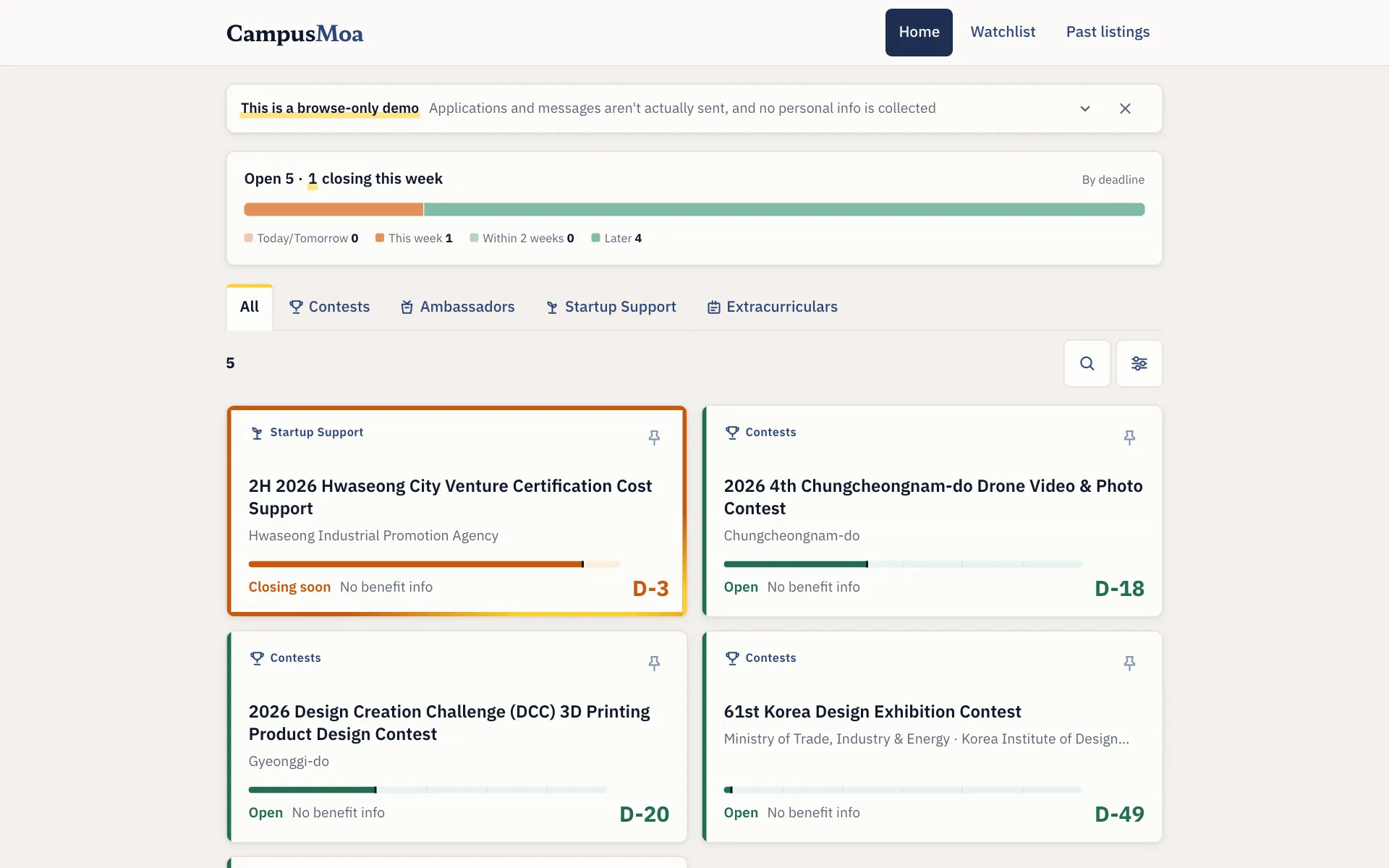
Contest finder
Contest preparation
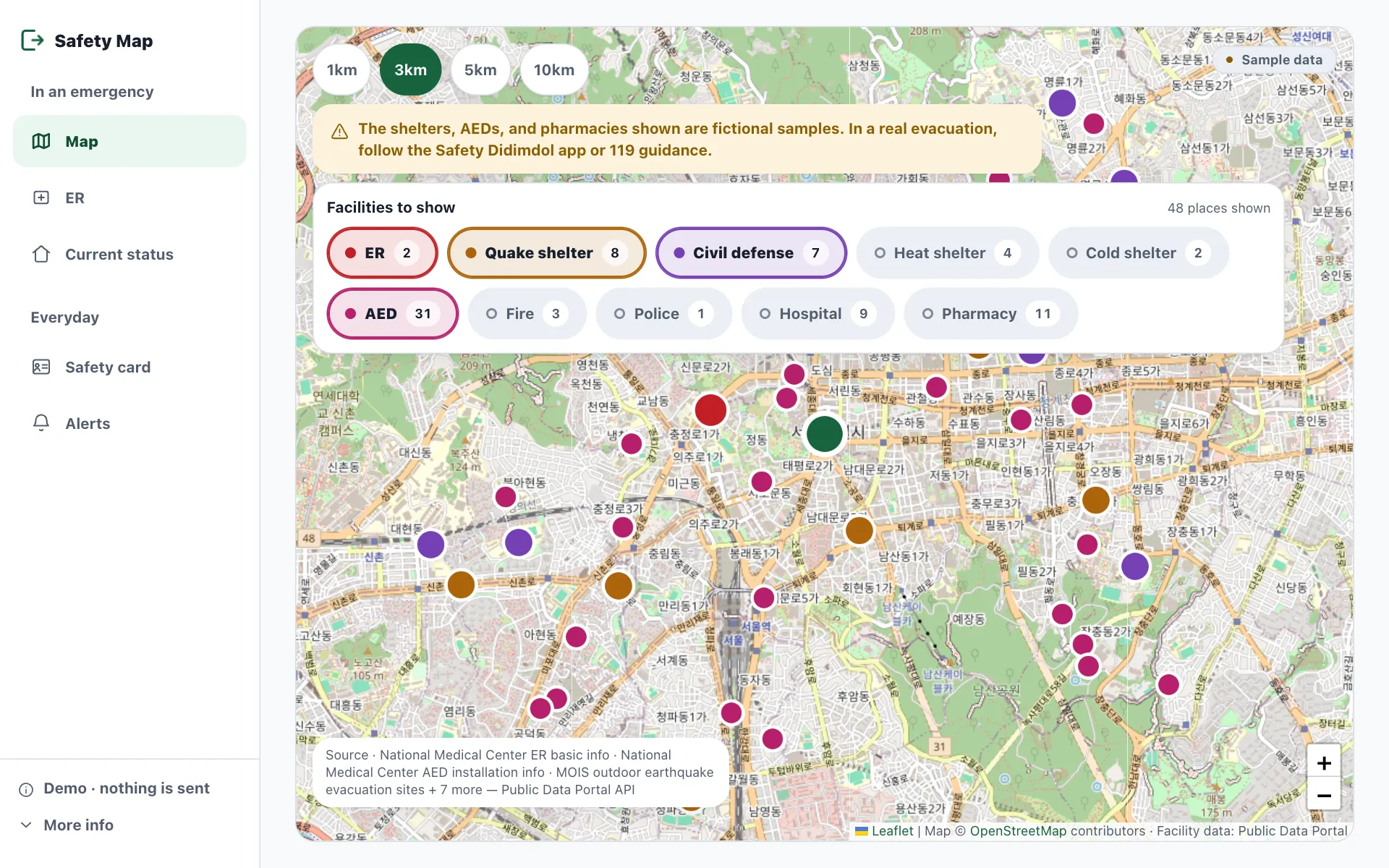
Disaster and safety map
Open-data course
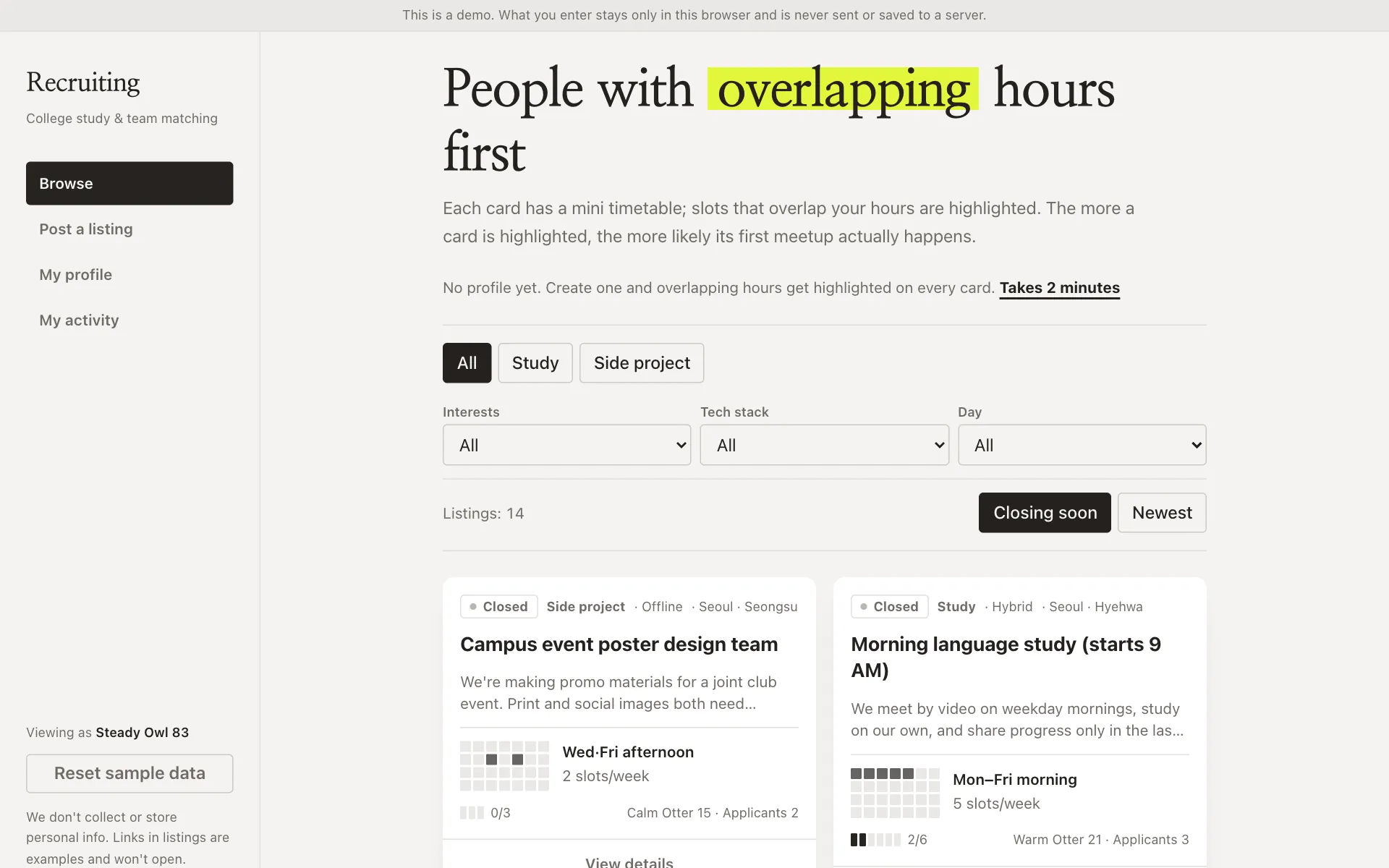
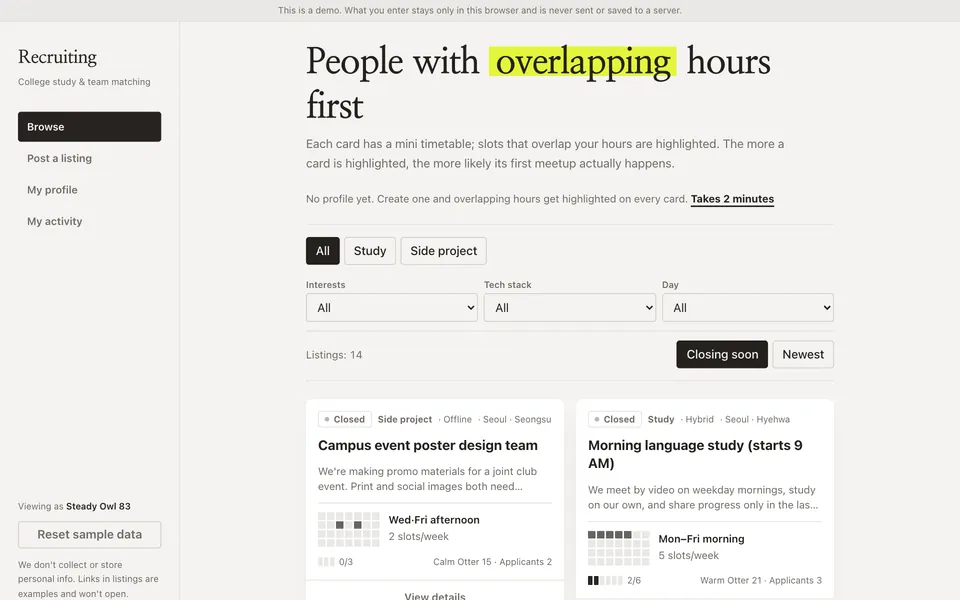
Study group board
Campus study groups and clubs
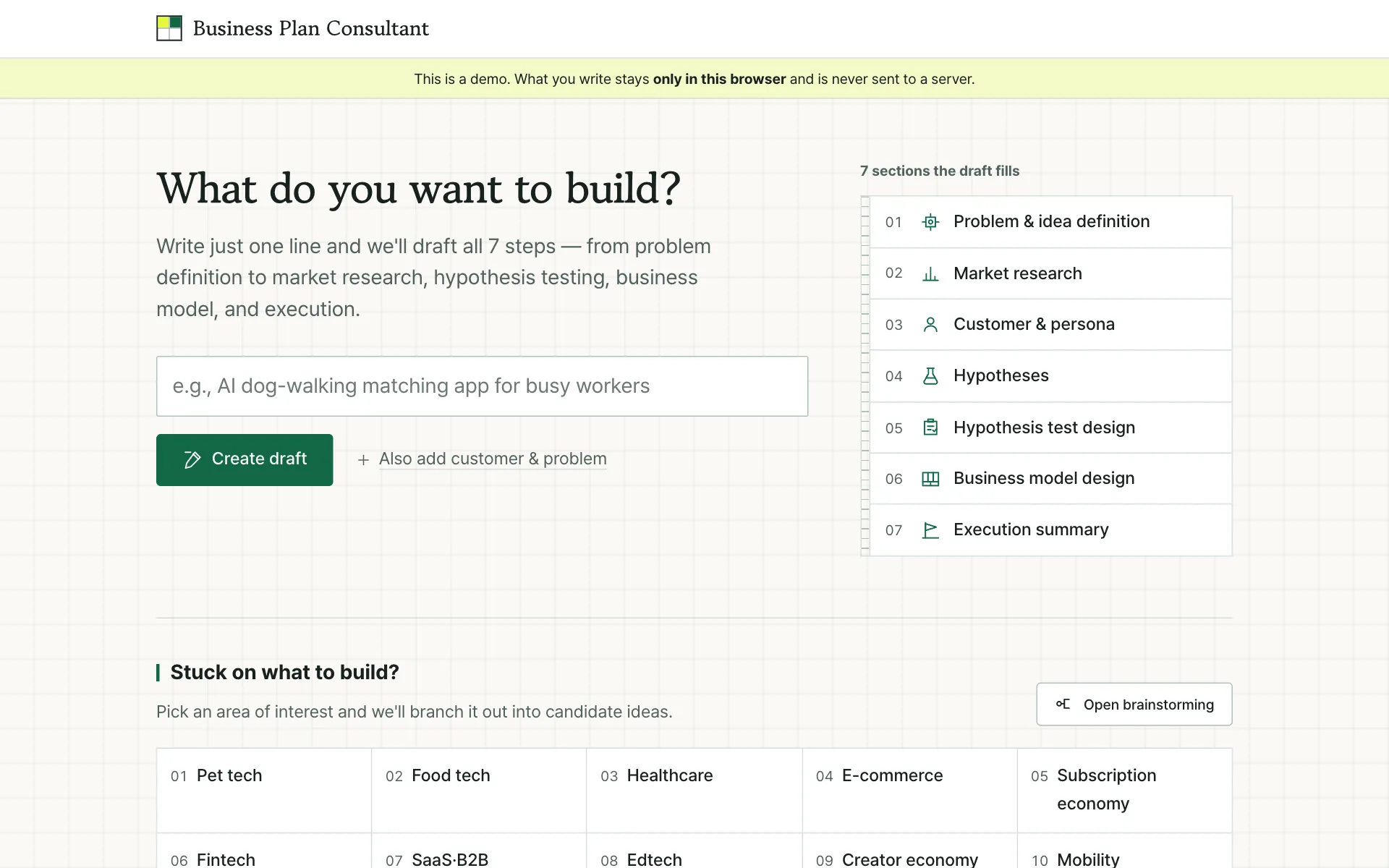
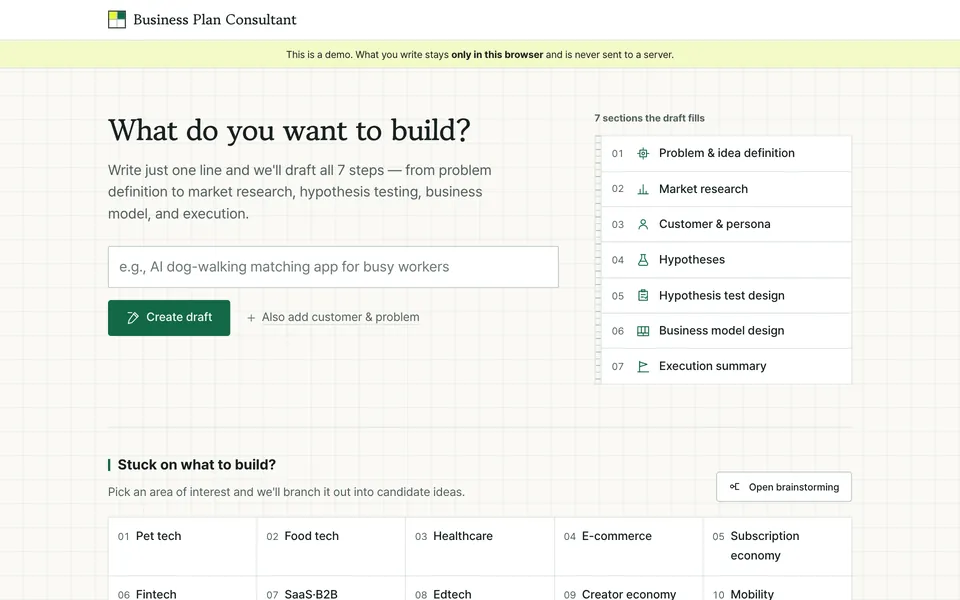
Business plan consultant
Startup course and hackathon
When you get stuck, just ask
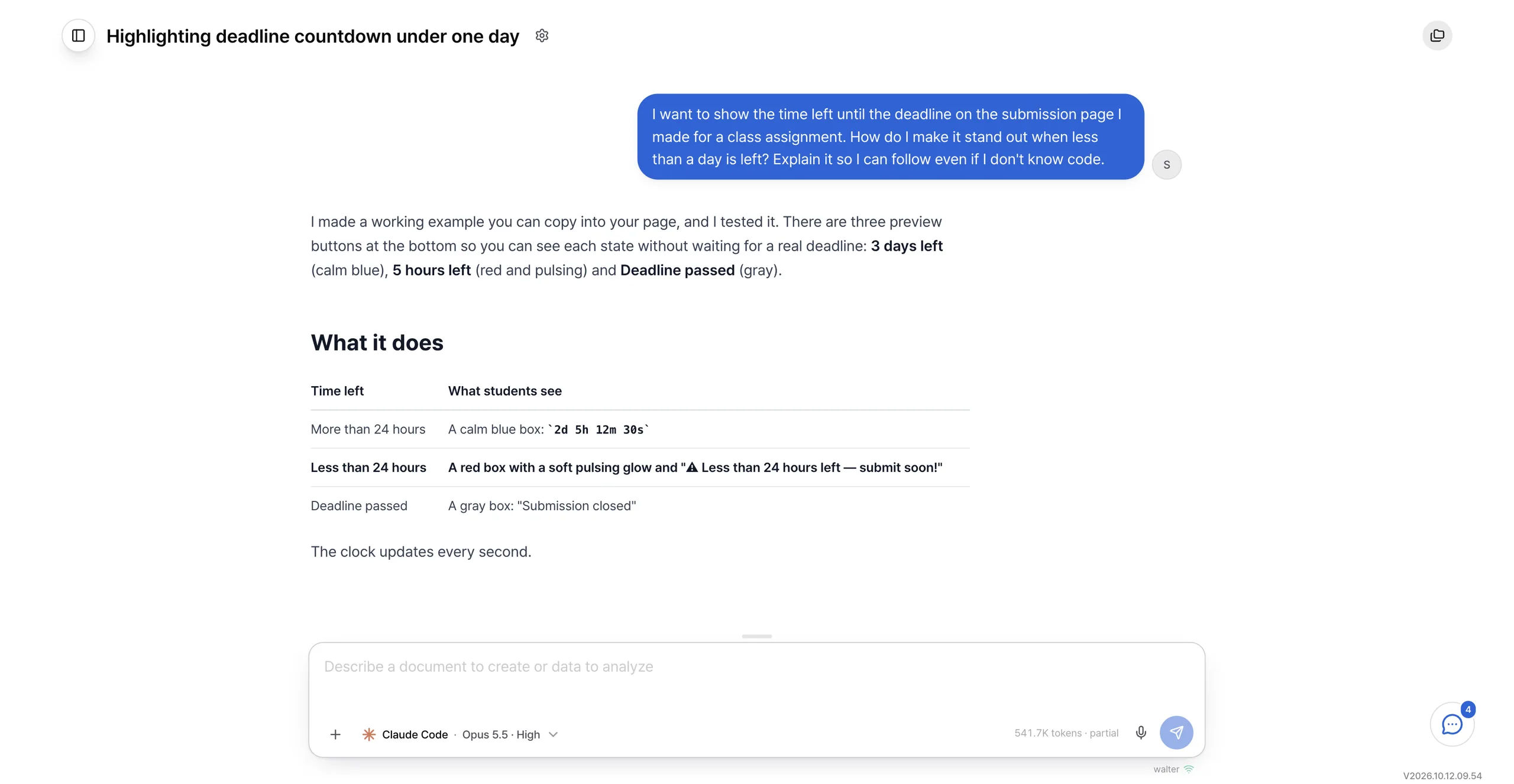
You do not need to know code. Ask in plain language what was built, or why something is not working, and get the answer on the spot.
Startup courses, data courses: students build it themselves
Whether it is a course or a department office, the way of building does not change.

Startup course and hackathon
Business plan consultant
Data analysis course
Regional air-quality analysis
Department office
Course dashboard
Departments with practicums
Practicum journal
- Copy a teammate’s work, try changes, and merge back after review.
- Who changed what and when is on the record, so free riding and overwriting both go away.
Every student’s work, on one screen
Now you have to hand in how the AI was used, too. That record stays with the result.

- You see every student’s work on one screen.
- Not just the output. The prompts they used are visible too.
- Who changed what and when is on the record, so the process itself can be assessed, and the history and the output stay with the school after the course ends.
- Permissions run in three tiers: full admin, school admin, student.
The AI you funded per student, managed in one place
Based on usage from June to August 2026 across 50 people in Buzzni's engineering and non-engineering teams, monthly AI spend fell by 50% or more compared with the previous per-person subscription support. Actual savings vary with usage patterns and school environment.
- No per-student seats to buy, and no AI stipend to hand out.
- The school subscription is allocated by what is actually used, not by a share fixed in advance.
- Light requests go to a lighter model; only hard ones reach the high-end model.
- Heavy users no longer run short while light users leave budget unspent.
It runs in the school’s own environment
The app, the code, and deployment all run in the school’s own environment. Where it sits is decided together with the school.

What to check
- App and codeThey run inside the school’s own environment, and they stay there.
- Chat historyWho asked for what, and when, stays with the course.
- Accounts and permissionsStudents sign in with a school account, and the school manages permissions centrally.
- Which AI can be usedOnly the AI models the school has approved are used.
Get ready before next term
Tell us the course size and when you want to start. We run the free PoC on one real course.