ON-PREMISE
On-premise installation and in-house LLMs
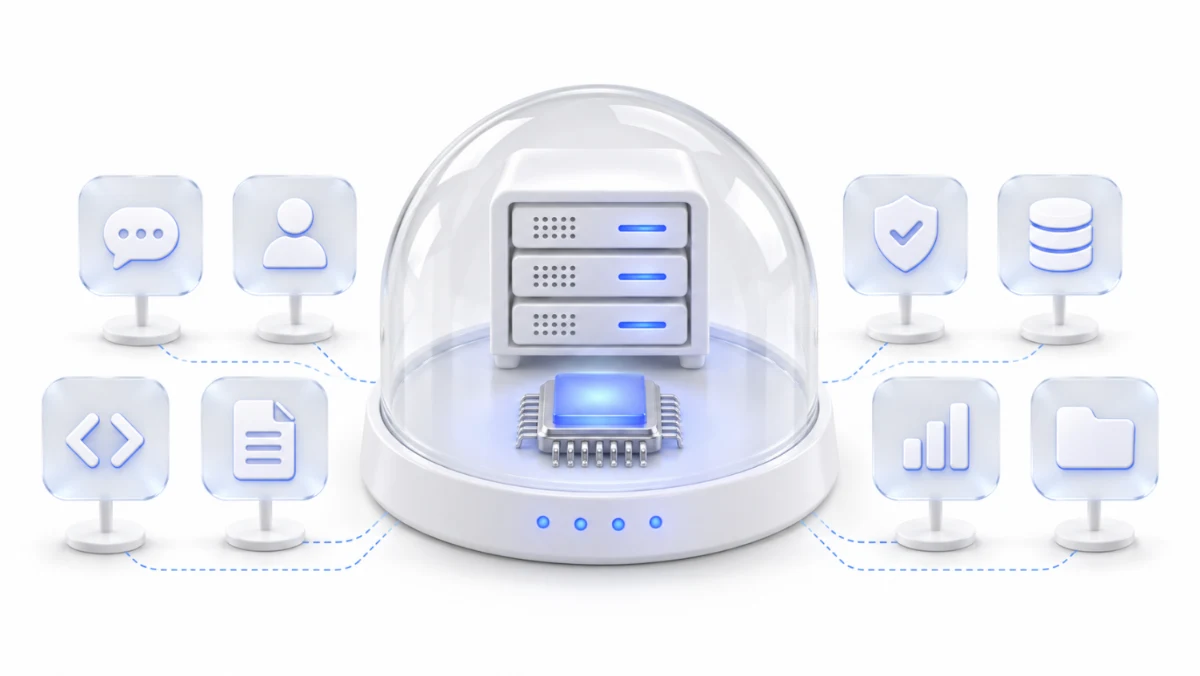
Saycode can also run on-premise, on your own servers or cloud. Connect an in-house LLM and AI requests stay on servers you run. We decide where and how it runs together, to fit your environment.
Saycode Cloud vs. on-premise
Deployment options
Start on Saycode Cloud to use it right away, or on-premise if your data must stay in-house.
| Topic | Saycode Cloud | On-premise |
|---|---|---|
| Where it runs | A cloud run by Saycode | Your servers or your cloud |
| AI models | Your AI subscriptions and APIs, plus in-house LLMs | In-house LLMs first; outside AI only when you approve it |
| Operations | Saycode runs and updates it | Runs inside your company; Saycode supports installation and updates |
| Getting started | Start right away | Install once the setup is agreed |
AI models kept inside your company
In-house LLM
Once an admin registers your LLM server, employees pick it when they start a new chat.
Outside
Outside AI models · only when you approveApproved · encryptedInside the company
Steps
- Register serversAn admin adds your LLM server addresses. With several, conversations are spread across them.
- Assign by teamChoose who can use it, by group.
- Pick in a new chatEmployees choose the in-house LLM when they start a conversation.
- Usage on recordWho used how much shows in the admin console.
Works with LLM servers compatible with the Anthropic API.
Frequently asked questions
Can we install Saycode on our own servers?
Yes. Saycode can run on-premise, on your servers or your cloud. We plan the location, server setup and schedule with you during onboarding.
Can we connect our in-house LLM?
Yes. An admin registers the LLM server address and chooses which teams can use it; employees then pick it in a new chat. The server needs to be compatible with the Anthropic API.
Does data leave the company when we use an in-house LLM?
Requests sent to your in-house LLM go only to servers you run. If Saycode is installed on your servers too, conversations, code and results stay inside the company as well.
Cloud or on-premise: which should we choose?
To try it quickly and grow from there, start on Saycode Cloud. If data can’t leave the company or you must use only in-house LLMs, on-premise is the fit. You can connect in-house LLMs in the cloud as well.
How is on-premise priced?
We quote a one-time setup fee and a monthly operating fee, based on your company’s size and setup. Leave an inquiry and we’ll be in touch.
Setup consultation for your environment
Leave an inquiry and we’ll review your environment and in-house LLM setup with you.
- Consultation
- Setup plan
- Installation
- Ongoing support